2026 Comparison Report

Anchor vs Manual Billing: Get Paid on Time Without Chasing Clients

Eliminate manual administrative tasks and reclaim unbillable hours with automated billing software that handles the full billing lifecycle from dynamic proposals to native ledger syncing.


Simple Pricing
$5 per payment, no subscription.
Connected to Your Stack
Syncs with QuickBooks and Xero
Leader g2 summer 2026
Best relationship g2 summer 2026
Easier to do business with  g2 summer 2026
Best results g2 summer 2026
Momentum leader g2 summer 2026
Most implement g2 summer 2026
Best usability leader g2 summer 2026

Powering 3,000+ US accounting firms

Sharrin Fuller
CEO, GlassWallet Ventures
Ruby Camilo-Garcia
Bookkeeping and Financial Services
Joe Tidwell
CEO and Founder
 at Synergy Management
Nick Boscia
Managing Partner
Boscia & Boscia PC
Nancy D'Amato
Bookkeeping & Financial Services
The Bottom Line
David Leary
Co-Founder, Earmark Media
Janine Burke
Partner, Spera
Jennifer Feinson
Founder, Ledgr Life
Monique Swansen
CEO, Automated Accounting Services
Erin Pohan
Founder, Upkeeping
Dan Luthi
Partner, Ignite Spot
Candy Bellau
CEO, Kramerica Business Solutions

How Anchor Outperforms Manual Processes

While manual billing workflows patch together static documents and disconnected tools, Anchor transforms approved proposals into live agreements that autonomously drive your invoicing, payment collection, and native accounting reconciliation.

Anchor compared with manual processes across pricing, billing automation, agreement handling, and plan limits.
Features Anchor Recommended Manual Processes
Proposal Creation Builds dynamic interactive proposals quickly using customizable templates. Requires editing static text documents in Word or Google Docs and saving them as PDFs.
E-Signature Capture Captures legally binding e-signatures instantly within the initial live agreemens. Demands a separate paid e-signature subscription like DocuSign or a physical signature.
Scope Adjustments Update the live agreement in one click. The client is notified automatically and the next charge adjusts. Needs you to create, send, and track an entirely new contract.
Payment Collection Auto-charges vaulted payment details on scheduled contract dates without client friction. Relies on manual follow-up emails, phone calls, and individual payment links.
Automated Billing Issues recurring invoices autonomously based on agreed terms and completed milestones. Requires repetitive manual invoicing, spreadsheet tracking, and individual email distribution.
Client Portal Access Delivers passwordless access to agreements and payment history through secure magic links. Forces clients to search through disconnected email chains to locate past receipts and agreements
Annual Price Increases Executes scheduled percentage increases automatically within the agreement. Requires drafting individual notification letters and renegotiating terms from scratch.
Reconciliation Syncs payments and processing fees natively to QuickBooks and Xero. Demands manual cross-referencing between bank feeds, invoices, and ledgers.
Implementation Time Live in days, and our migration team rebuilds your templates. Demands ongoing manual labor and updates across different tools.
Scalability Handles unlimited clients and users without adding administrative hours. Breaks down at scale unless you hire multiple dedicated billing staff.
Pricing Charges a flat $5 per payment with zero monthly subscription fees. Stacked subscriptions (proposal tool, e-signature, invoicing, payment processor) plus staff hours.
AI Native Generates proposals and branded templates with AI, and connects to Claude and ChatGPT through the Anchor MCP None. Every proposal and invoice is written by hand or manual work.
Customer Support Provides dedicated human support and an account manager for your firm Leaves your team responsible for troubleshooting your disjointed software stack

Anchor charges $5 per successful payment with no subscription; ACH is included with fees, and card payments carry a 2.9% + $0.30 processing fee that you can absorb or pass to the client. See Anchor pricing for full details.

How to move from manual billing to Anchor in 5 steps

Migrate your agreements, billing, and payments to Anchor in days, not weeks.
No disruption to your firm or your clients.
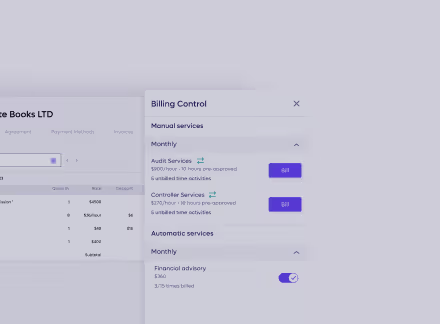
1. Setup

Learn more →

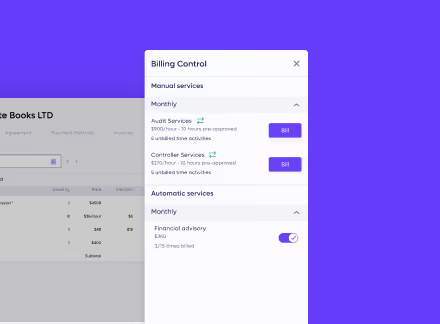
Hand off your existing text documents, and our migration team rebuilds them into live agreements so you don't touch a thing.
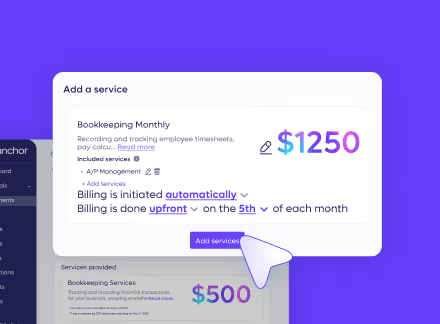
2. Client authorization

Learn more →

Send clients a secure magic link to review their new modern agreement and securely connect a payment method.

3. Testing

Learn more →

Complete a full quality assurance check with our dedicated onboarding team to confirm that every service and price maps correctly.
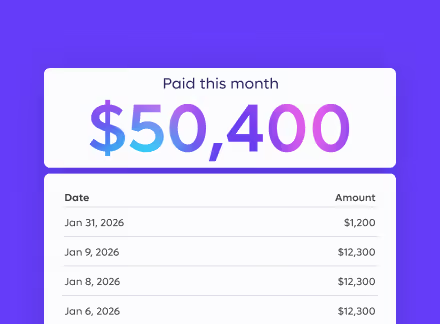
4. You're live

Learn more →

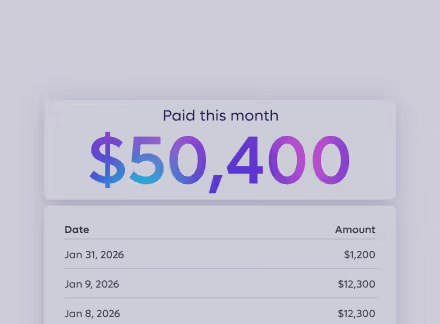
Run every agreement autonomously on Anchor, with invoicing, collections, and native ledger reconciliation fully handled.
5. Ongoing support

Learn more →

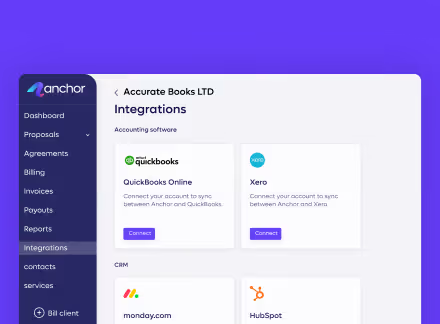
Rely on our dedicated human support team to assist your firm for as long as you need.

Simple pricing

No subscriptions, no hidden fees. Just $5 per payment received.

‍

$5
per payment received

Integrations

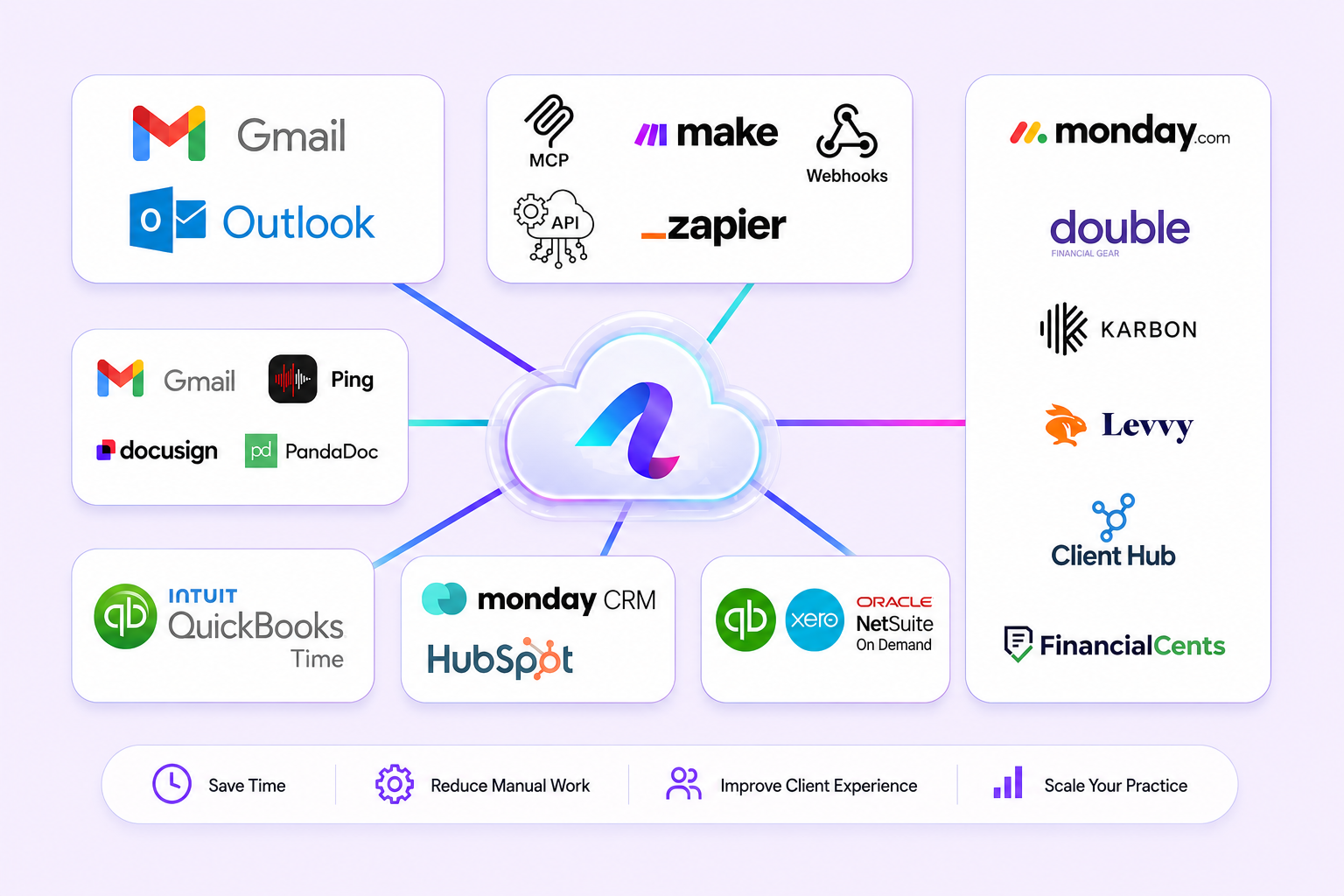
Stay fully synced with our native integrations.

Connect to the tools your firm already runs on, so your books and the rest of your stack move together, in real time.
QuickBooks Online

Stay accurate and up-to-date at all times with an automatic real-time data sync with QuickBooks Online.

Connect QuickBooks →

Xero

Stay fully synced with our Xero native integration,  every invoice, payment, and reconciliation flows back to your ledger automatically.

Connect Xero →

Make

Connect Anchor with thousands of popular apps and automate your billing workflows without writing a single line of code.

Explore Make scenarios →

Zapier

Connect Anchor with thousands of popular apps, so you can automate your work and have more time for what matters most.

Browse Zaps →

Connect your existing tools

Works with QuickBooks, Xero, Zapier, Make, and more.

Explore integrations

Real names. Real firms. Real numbers.

See how Anchor is helping accounting firms get paid faster
 and focus on what matters most.

“I love Anchor for the ease of use in setting up agreements and proposals. Anchor has completely transformed our billing process.”

I love Anchor for the ease of use in setting up agreements and proposals. Anchor has completely transformed our billing process.
We send out thousands of invoices - everything is paid immediately and gets reconciled automatically. This makes Anchor unbelievable

Nick Boscia
Managing partner
Boscia & Boscia PC

I tried other proposal software and it was clunky.
Now I deliver proposals that actually impress clients, my conversion rate is up, and Anchor makes sure I get paid on the first of the month.


I tried other proposal software and it was clunky.
Now I deliver proposals that actually impress clients, my conversion rate is up, and Anchor makes sure I get paid on the first of the month.

Amanda Timcoe
Owner
Solving the Books

The platform offers useful features that competitors miss, and there's no need to hire an IT or marketing person.

I love Anchor for its ease of use in setting up agreements and proposals. The platform offers useful features that competitors miss, and there's no need to hire an IT or marketing person. My team and I have switched over to Anchor, and the customer support is superb. Plus, no monthly fees make it a win-win for me.

Sharrin Fuller
CEO and Founder, Glass Wallet Ventures
Before Anchor

The Pain of Billing

Static proposals with no future billing logic
Signatures end the workflow
without saving payment details
Manually copy signed terms into separate invoicing software
Email invoices monthly and chase clients for late payments
With Anchor

Autonomous Billing

Collect payments autonomously with no client friction
Scope and price changes flow through automatically
Payment secured before signing, no invoice to chase
Reconciliation is automatic, with no manual matching
Full human support included, without paying for a higher tier

Reviews from QuickBooks Marketplace

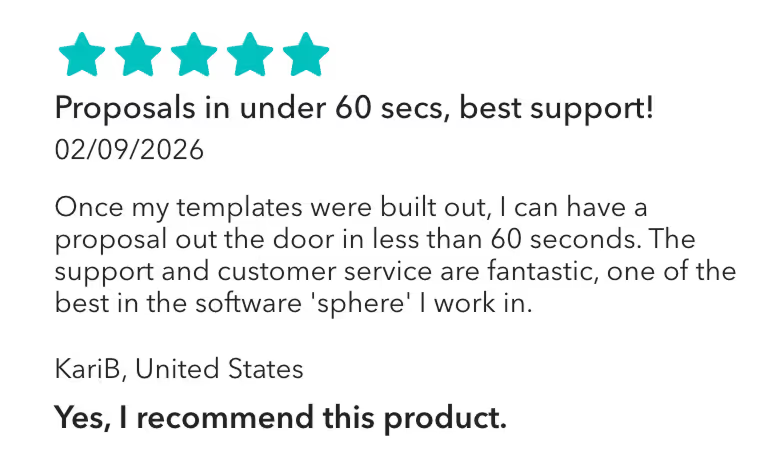
“Proposals in under 60 secs, best support!”

“Once my templates were built out, I can have a proposal out the door in less than 60 seconds. The support and customer service are fantastic, one of the best in the software 'sphere' I work in.”
KariB, United States
Yes, I recommend this product.

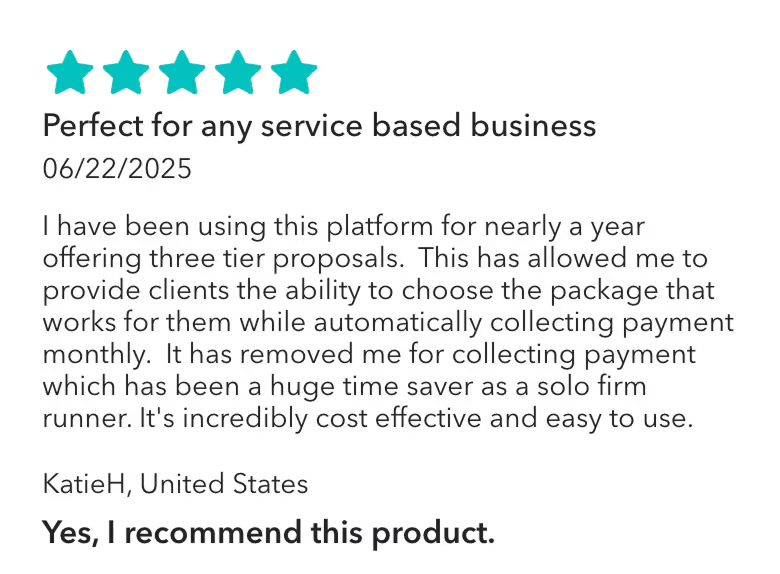
"Perfect for any service based business"

Anchor has allowed me to provide clients the ability to choose the package that works for them while automatically collecting payment monthly.  It has removed me for collecting payment which has been a huge time saver as a solo firm runner."
KatieH, United States
 It's incredibly cost effective and easy to use.

"Amazing Proposal and Invoicing Tool"

Anchor has been awesome since we've started using it! I like that you can build out your templates, and send very professional and customizable proposals to clients. I've gotten great feedback from clients overall, and I like the different features Anchor has to offer. It's also very inexpensive and offers tremendous value.

Angler, United States
Yes, I recommend this product.

Highly rated on trusted platforms

4.9 on G2

Based on 120+ reviews

Time-Saving
Best Support 2026
Automation
Efficient Invoicing
Billing Agreements
Best Value Per $
4.9 on Capterra

Based on 30+ reviews

Exceptional Service
Best Payment Solution
Great Customer Service
Best Billing Software
Smooth Proposal Setup
Easy Onboarding

Ready to stop billing by hand?

Join thousands of firms already on Anchor, with a fully guided switch from your manual billing processes at whatever pace suits you.
Request a Demo
No credit card required for opening an account
Read more

See how Anchor compares to other tools

FAQ

How does Anchor's pricing compare to maintaining a manual billing or invoicing stack?

Anchor charges a flat $5 per-transaction fee with $0 monthly subscription costs on our transparent pricing model, replacing separate recurring software fees for e-signature tools, proposal software, and payment gateway add-ons. All features, including dynamic proposals, binding agreements, automated collections, and native ledger reconciliation, are included with zero user seat fees or client volume tiers.

Will my clients have to remember login passwords or create an account?

No, clients never need to download apps or create account credentials; they simply open a secure magic link to review terms, select service options, sign digitally, and vault their payment details. Once authorized upfront, all future invoices trigger automatically on scheduled contract dates without requiring clients to manually approve or initiate individual payments.

Is my client payment data secure on Anchor?

Yes. Anchor enforces strict data privacy and security standards using PCI-DSS-compliant tokenization and AES-256 encryption, and never handles or stores raw credit card numbers or banking credentials. This completely removes the severe data breach and liability risks of circulating check images, card numbers, or authorization forms across unencrypted email and shared spreadsheets.

Can Anchor manage scope adjustments and out-of-scope billing?

Yes, our live agreements let you update retainer amounts, add billable hours, or append one-off line items directly to an active client record without voiding the original agreement or requesting a new signature. Anchor notifies the client of the change automatically, adjusts the upcoming charge, and collects payment on the next scheduled billing cycle.

What happens if a client's payment fails or a card is declined?

Anchor automatically triggers automated payment retry sequences and prompts the client to update their vaulted payment details via a secure self-service link without requiring manual follow-ups from your team. This resolves failed transactions autonomously while keeping your reports and ledger reconciliation completely up to date.

Can I use Anchor to bill clients for one-time advisory sessions without a signed agreement?

Yes, Anchor supports one-time billing for walk-in or ad-hoc services without requiring a master agreement or full proposal. You send a secure payment link where the client approves the invoice and connects a payment method, and you can easily convert the relationship into a long-term agreement later.

Can I customize proposals and engagement letters with my firm's branding and legal terms?

Yes, you can upload custom legal language, define standardized scope schedules, and apply your practice's logo and brand colors directly inside the proposal and engagement letter builder. This ensures every agreement matches your firm's identity while eliminating the version-control errors and formatting breaks of static Word documents.

How does Anchor handle accounting ledger reconciliation to bookkeeping software like QuickBooks Online and Xero?

Anchor provides real-time native ledger syncing that autonomously logs paid invoices, matches net bank deposits, and categorizes processing fees to the correct ledger accounts. This eliminates manual spreadsheet reconciliation, duplicate data entry, and manual month-end journal adjustments.

Is automated billing software worth it for my small or solo firm?

Yes, Anchor eliminates the fixed overhead of traditional practice management software by charging no recurring subscriptions, making automated billing immediately cost-effective for small and boutique practices. Solo practitioners gain complete proposal-to-payment automation on a pay-as-you-get-paid model without minimum volume commitments.