
Get started for free

Turn signed planning agreements into collected revenue by capturing payment at signing, so flat fees and retainers collect themselves.


















Capture payment at signing so retainers, one-time fees,
and out-of-scope work all get billed and collected automatically.
Capture payment for retainers, fees, and consultations from one signed agreement.
Eliminate manual invoicing and reconciliation to spend time on planning, not cleanup.
Stop losing money to unbilled consultations, missed renewals, and unsent invoices.
Handle flat fees, retainers, and hourly consultations from one place.
Send a branded planning agreement in minutes with ready-made templates or your imported documents.
Learn more →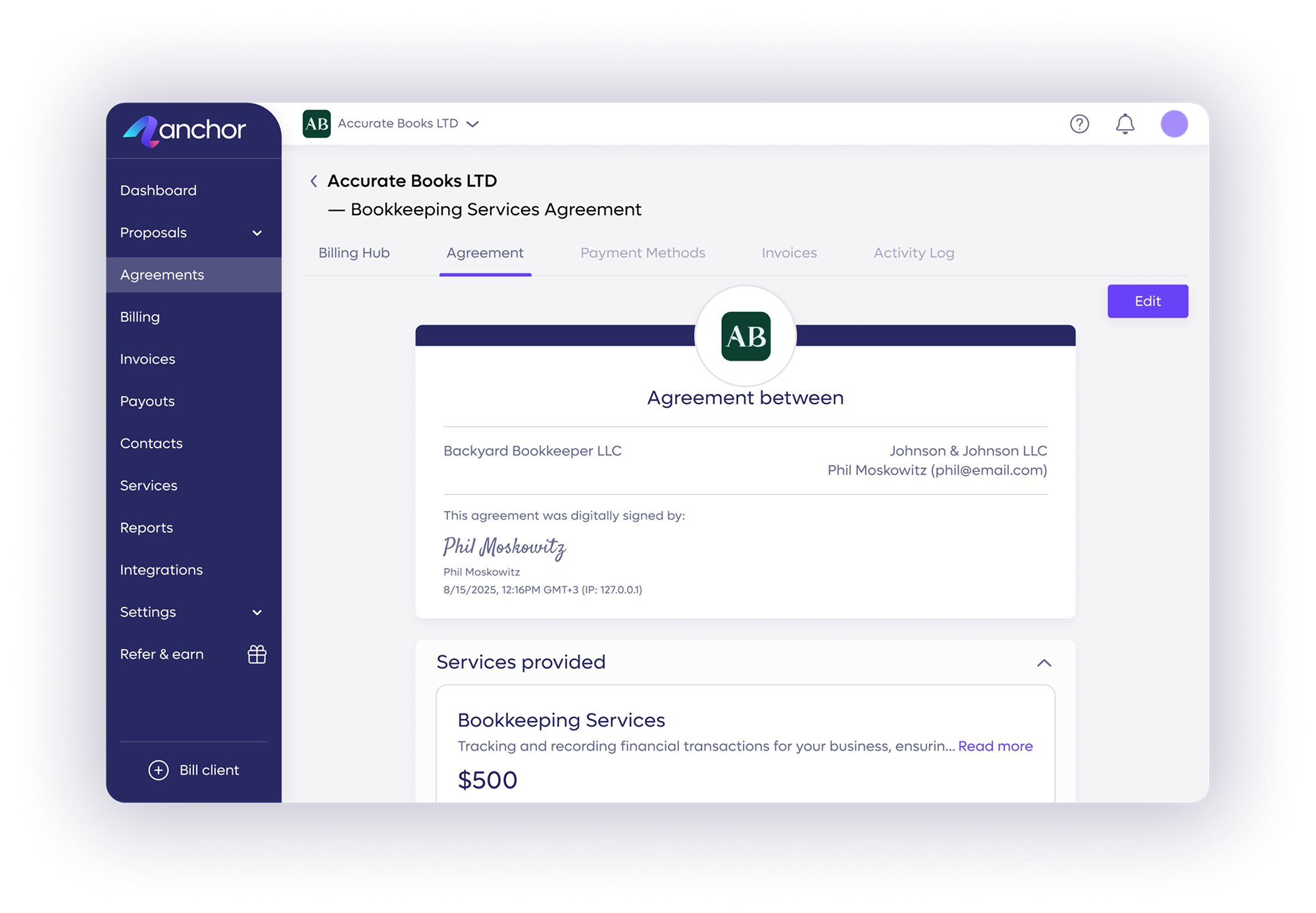
Bill flat fees, retainers, or hourly consultations from the same agreement, without drafting a new contract.
Learn more →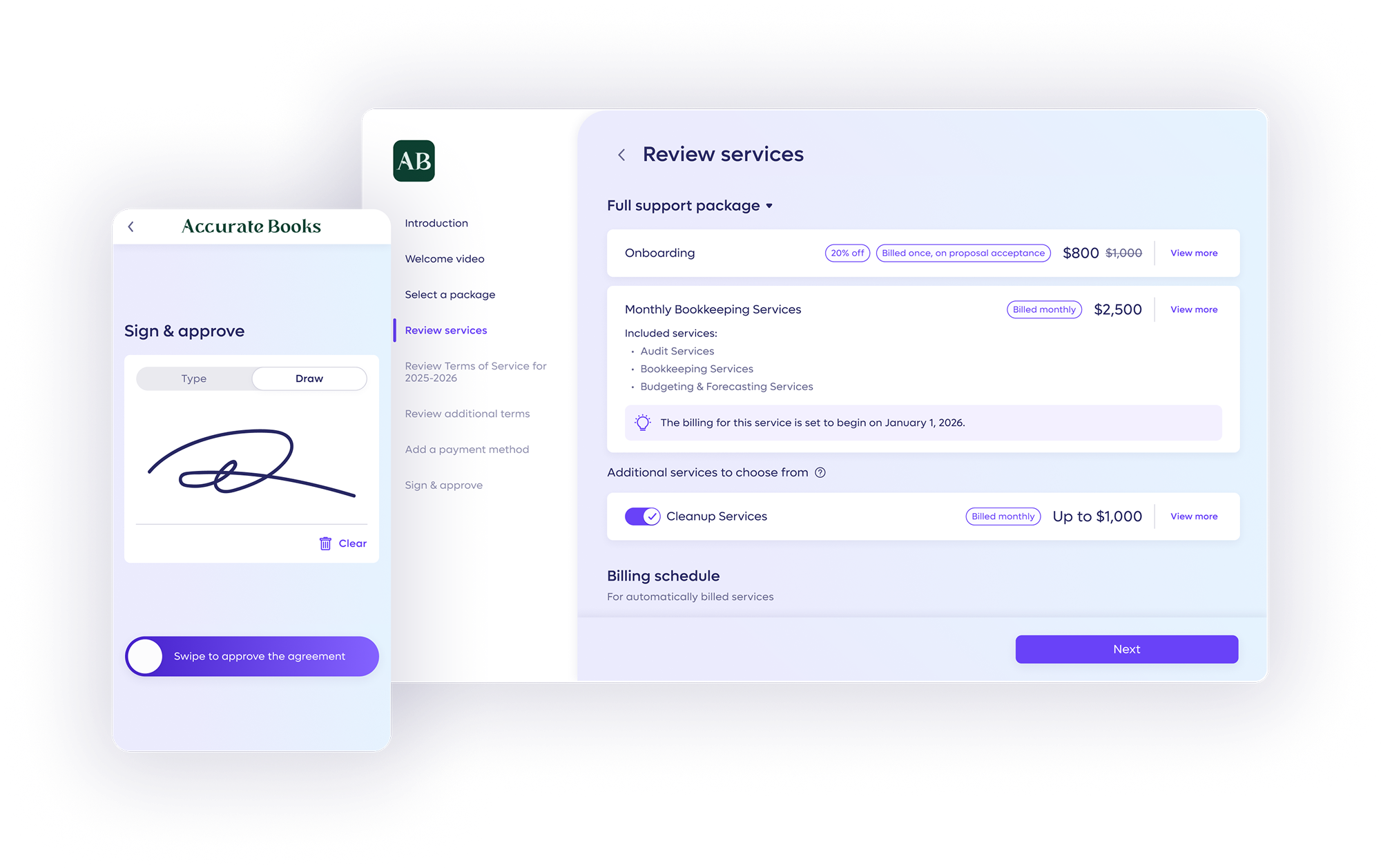
Remove payment friction and get paid faster by letting clients pay via ACH transfer or credit card.
Protect your margins by passing standard credit card processing fees directly to clients on every retainer.
Learn more →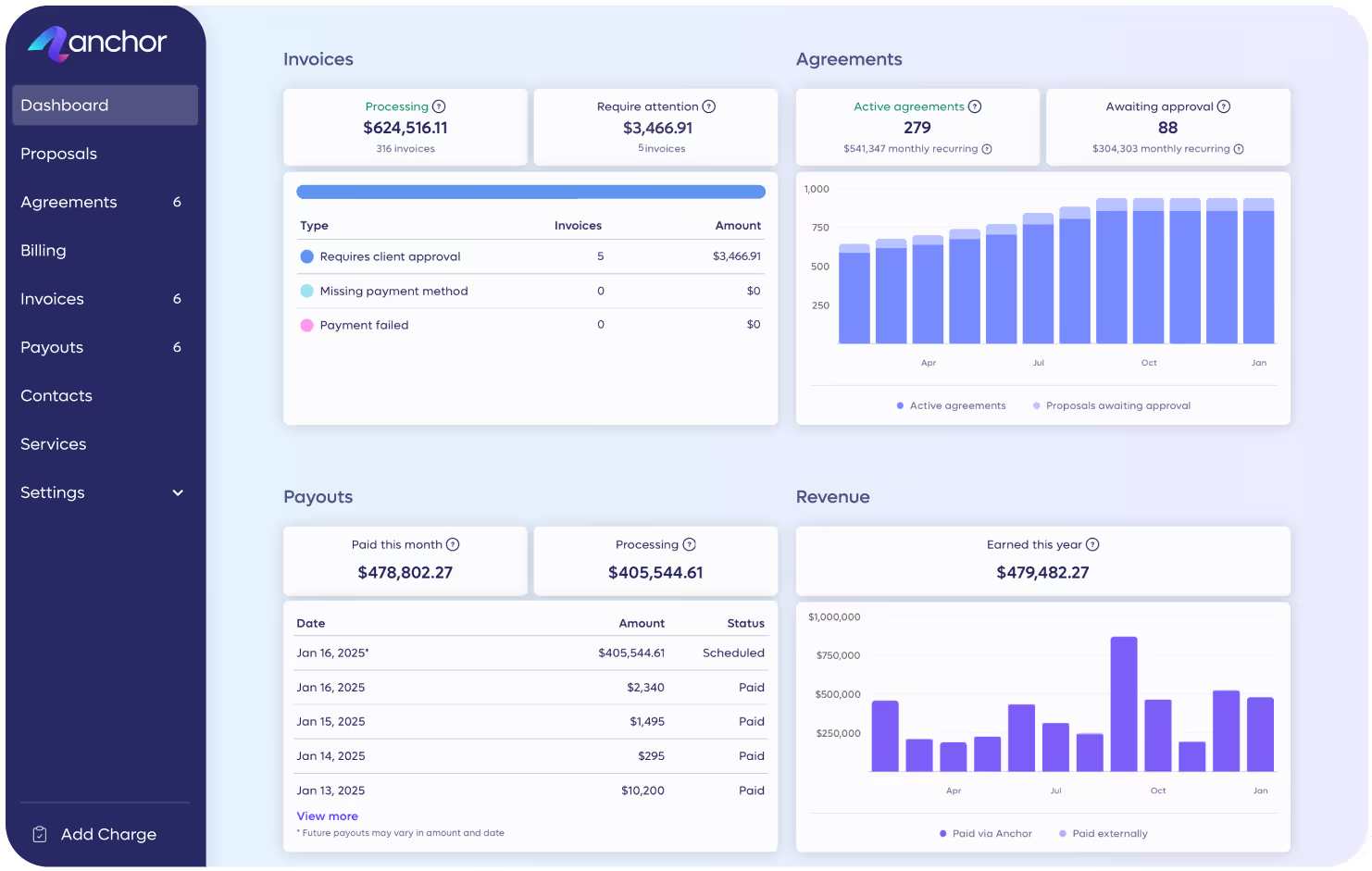
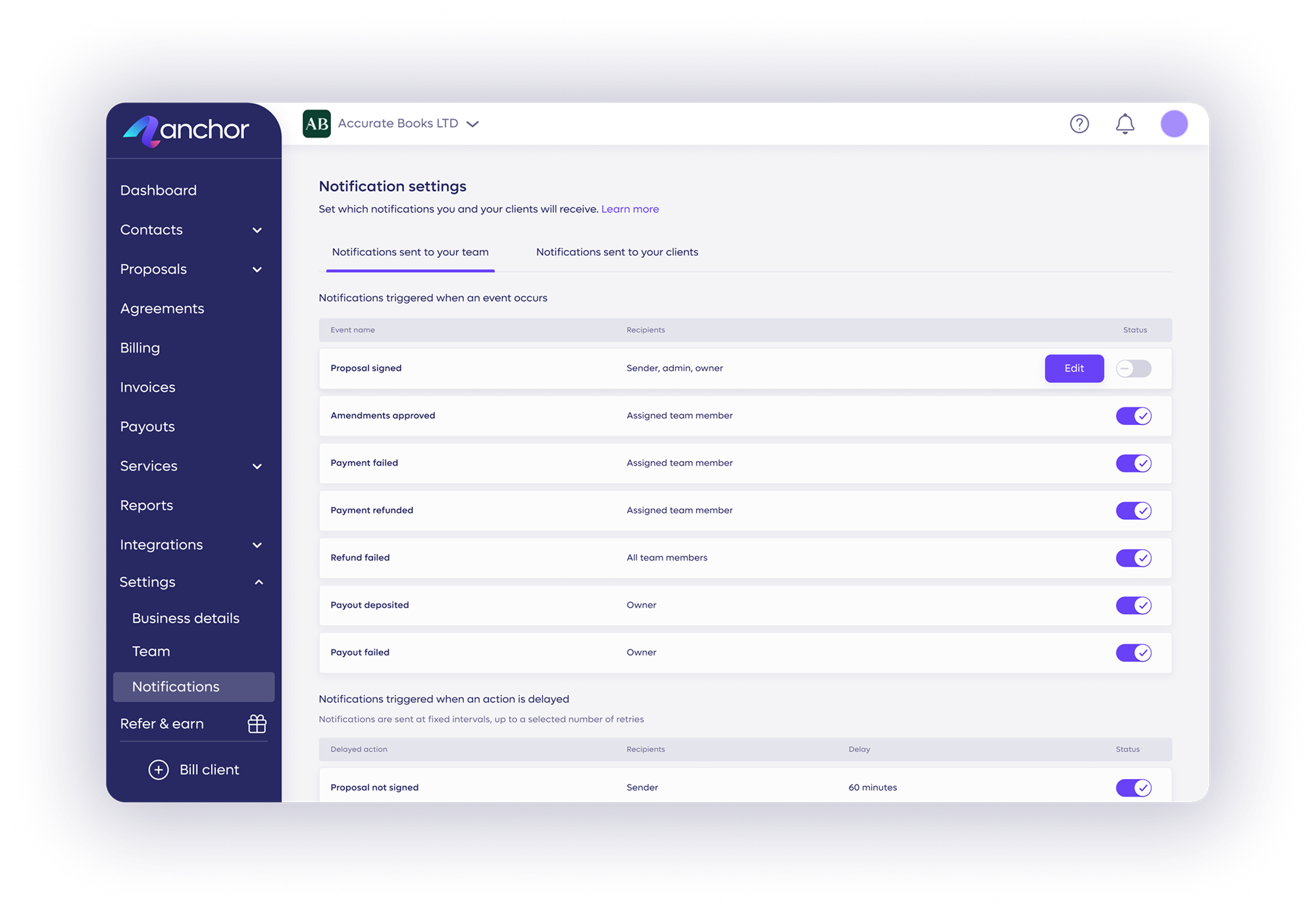
Reclaim admin time as invoices generate automatically, with reminders that keep collections out of meetings.
Learn more →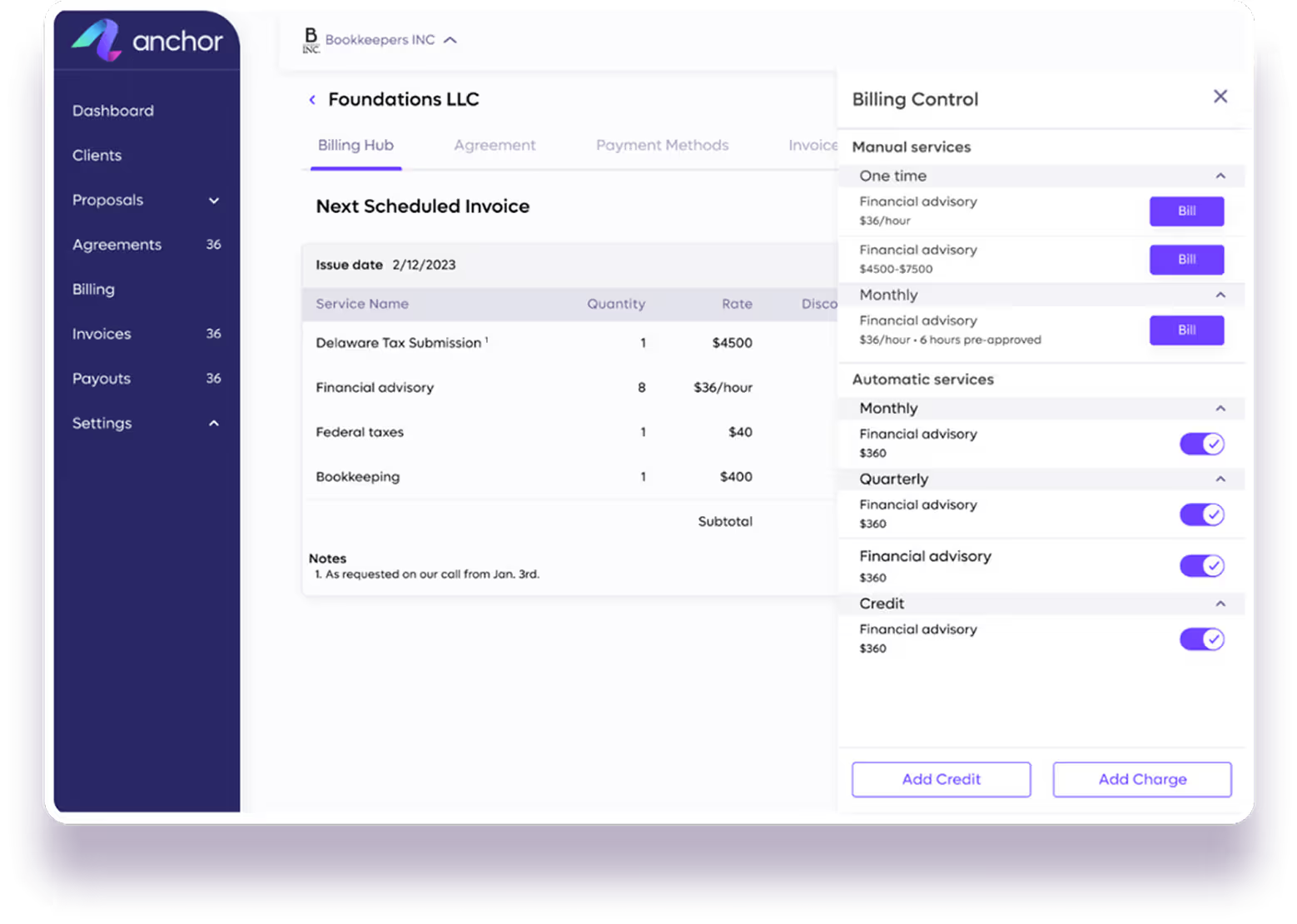
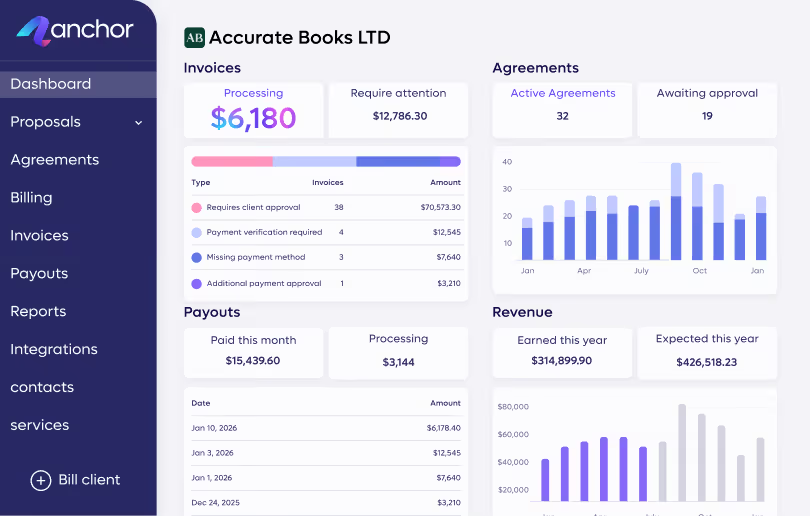
Monitor your practice's financial health at a glance, tracking live revenue, renewals, and outstanding invoices.
Learn more →
Eliminate the manual work that slows down every billing cycle.
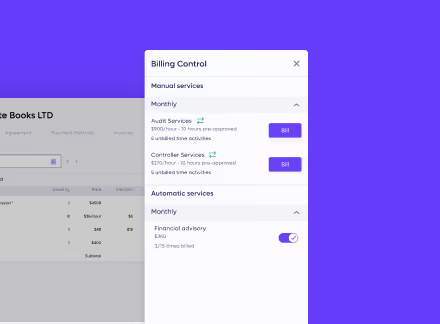
Define flat fees, retainers, or hourly rates in a branded agreement so clients know exactly what they owe.
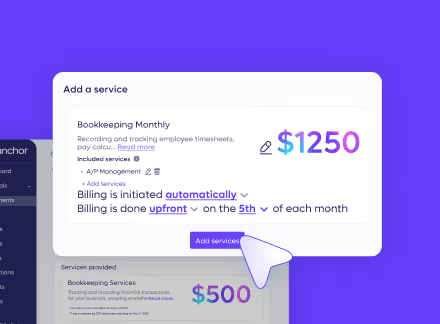
Save your client's payment method the moment they sign, before the first session happens.
Generate and send invoices automatically on schedule, with no new agreement needed for renewals.
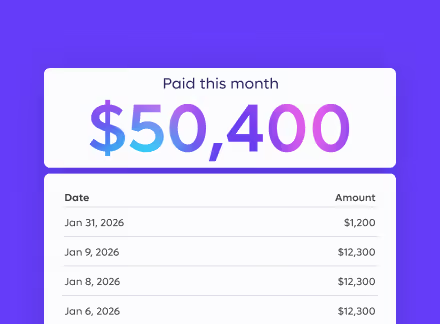
Charge flat fees, retainers, and one-time payments via ACH or credit card on the due date.
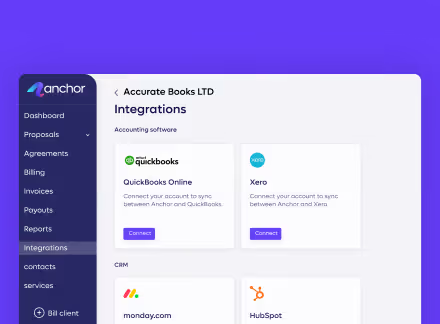
Reconcile every payment and processing fee automatically to QuickBooks or Xero.

Integrations
Connect to the tools your firm already runs on, so your books and the rest of your stack move together, in real time.
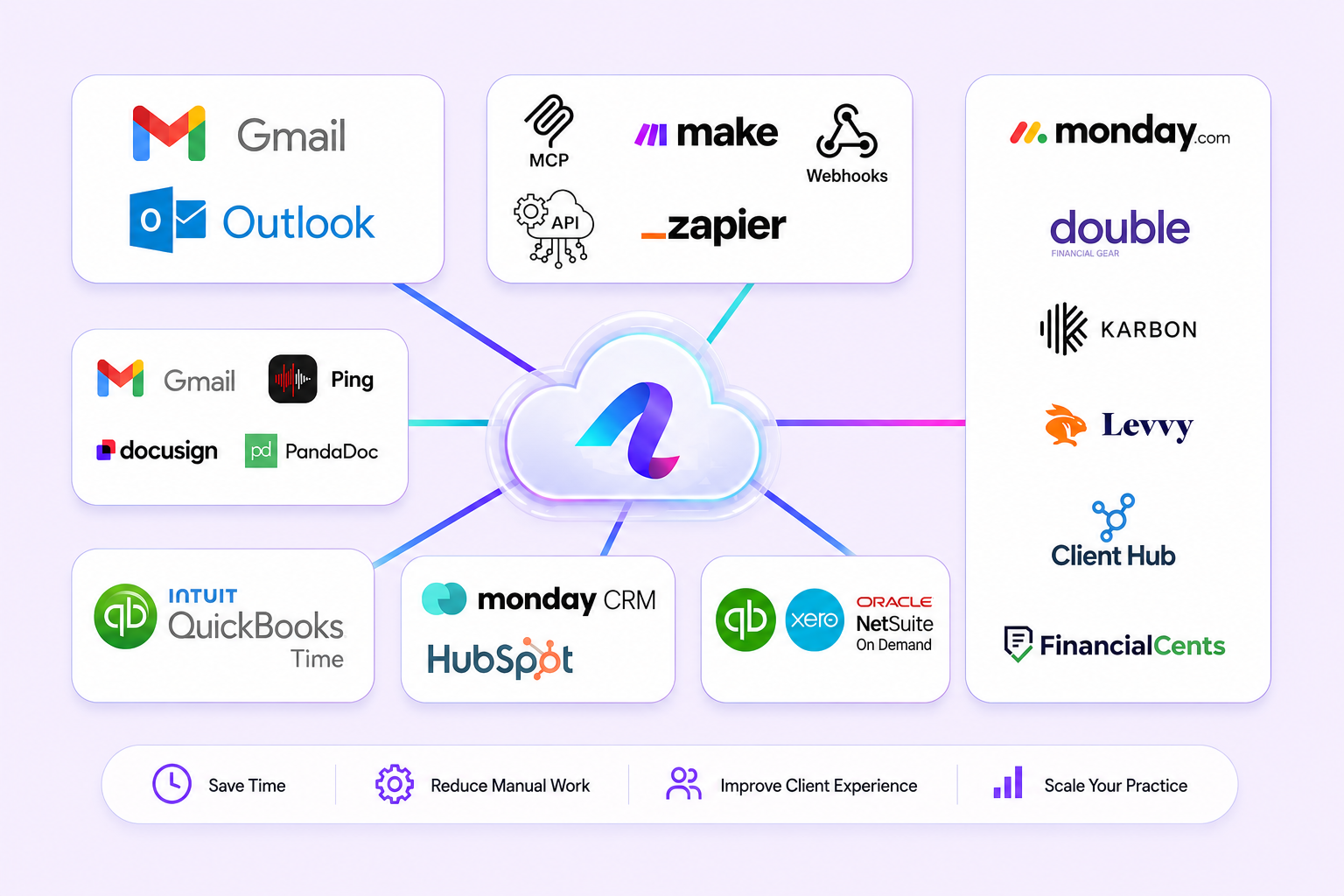
Stay accurate and up-to-date at all times with an automatic real-time data sync with QuickBooks Online.
Connect QuickBooks →Stay fully synced with our Xero native integration, every invoice, payment, and reconciliation flows back to your ledger automatically.
Connect Xero →Connect Anchor with thousands of popular apps and automate your billing workflows without writing a single line of code.
Explore Make scenarios →Connect Anchor with thousands of popular apps, so you can automate your work and have more time for what matters most.
Browse Zaps →Works with QuickBooks, Xero, Zapier, Make, and more.
See how financial advisors have eliminated manual billing and secured predictable, on-time revenue.



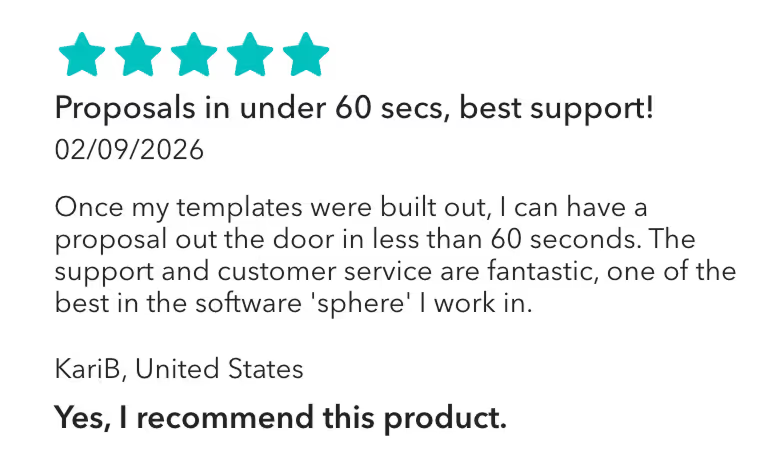
“Once my templates were built out, I can have a proposal out the door in less than 60 seconds. The support and customer service are fantastic, one of the best in the software 'sphere' I work in.”
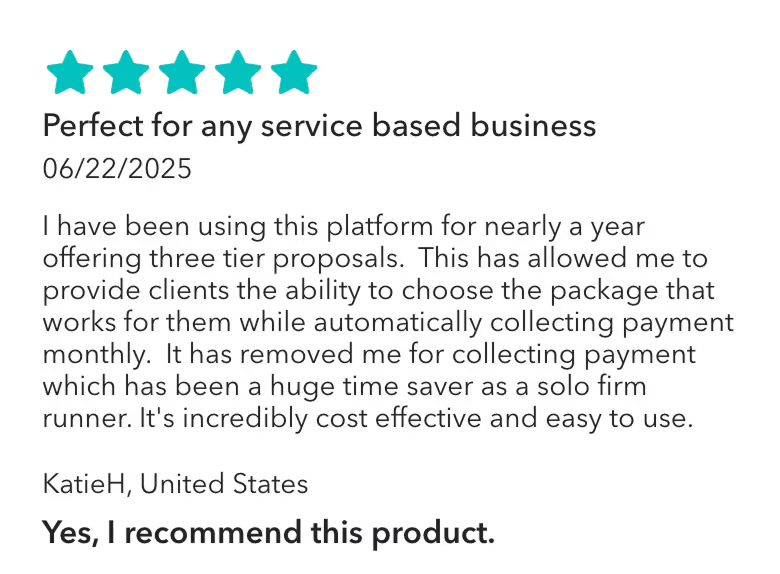
Anchor has allowed me to provide clients the ability to choose the package that works for them while automatically collecting payment monthly. It has removed me for collecting payment which has been a huge time saver as a solo firm runner."
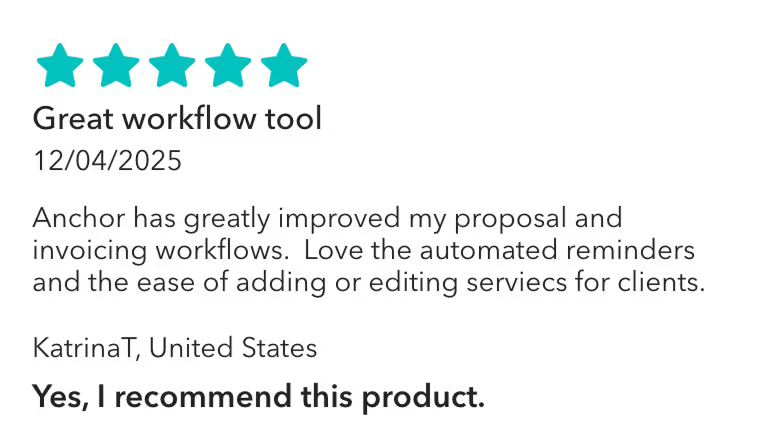
Anchor has been awesome since we've started using it! I like that you can build out your templates, and send very professional and customizable proposals to clients. I've gotten great feedback from clients overall, and I like the different features Anchor has to offer. It's also very inexpensive and offers tremendous value.
No subscriptions and no hidden fees. You only pay $5 per payment. That's it.

Measurable impact that changes how firms operate.

Based on 120+ reviews

Based on 30+ reviews
Get paid without a second thought, no matter how you charge.
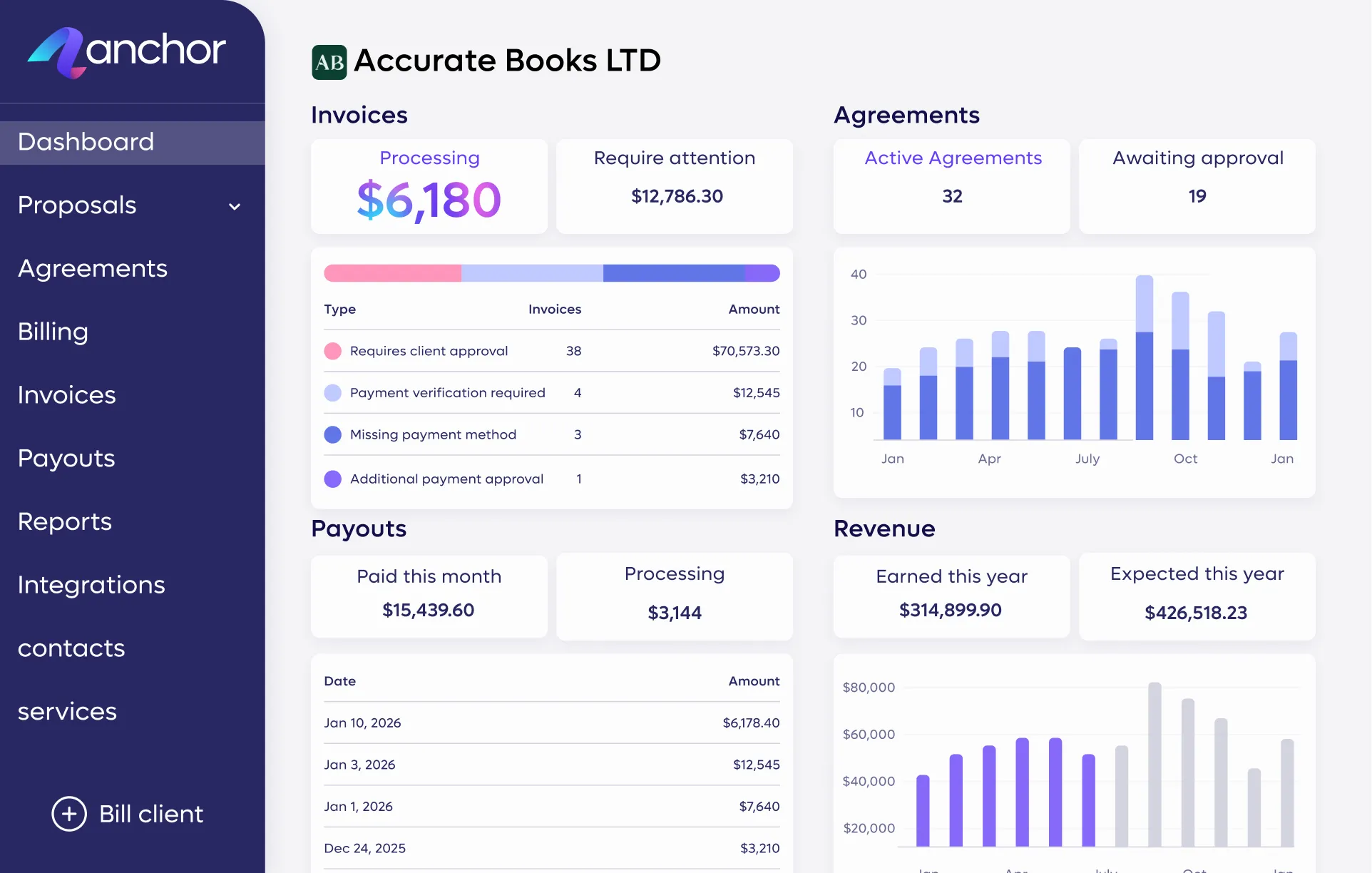

You capture your client's payment method the moment they sign the agreement. When an invoice comes due, payment charges automatically—no waiting on a check or a manual follow-up.
No. Anchor matches every deposit and processing fee directly to the invoice in QuickBooks or Xero, closing your books automatically. See the full list of supported tools on our Integrations page.
Yes. Configure your settings to pass the standard processing fee to your client, or absorb it yourself.
No. Clients click a secure smart link to review the agreement, sign it, and enter their payment details—no account required.
You don't need a signed agreement first. Send the invoice directly, and convert it to a full agreement later if the relationship grows into an ongoing one. See how it works in Bill Without an Agreement.
Yes. Manage one-time planning fees, monthly retainers, and hourly consultations from the same agreement.
There's no monthly subscription. You pay a flat $5 per successful payment received, so cost scales with your revenue, not your client count. Full breakdown on our Pricing page.
Because every invoice is generated from the agreement the customer already signed, with scope, price, and schedule pre-approved, most disputes lose their ground before they start, and each charge appears in the customer's portal in advance, with every action logged for reference.
Anchor is free to start with no credit card required, and your first agreement can go out the same day. Migrating existing customers means sending each one an agreement to sign and connect a payment method, which can be done in batches rather than all at once.
CH payments are completely free, and you have full control to either absorb the processing fees for credit cards or pass them directly to your client. This allows you to dictate your exact billing mechanics during the initial agreement setup.
Anchor integrates with QuickBooks Online, Xero, Karbon, Keeper, Client Hub, Financial Cents, and monday.com. Payment and invoicing data syncs automatically, keeping your books up to date and reconciliation clean without manual exports or re-entry.
