Get started for free

Auto-charge credit card or ACH payments on exact due dates, funneling revenue straight to your bank account without lifting a finger.


















Eliminate manual admin and late payments entirely
by auto-charging pre-approved payment methods on exact due dates.
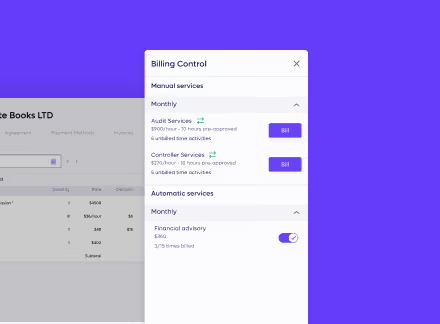
Establish payment terms upfront in the proposal and let Anchor seamlessly execute the rest.
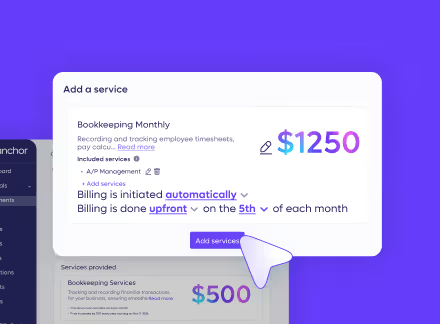
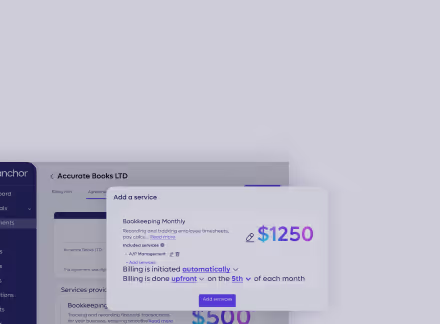
Charge pre-saved credentials automatically on the exact due date to guarantee on-time payments.
Automatically retry declined transactions and notify clients to fix billing issues instantly.
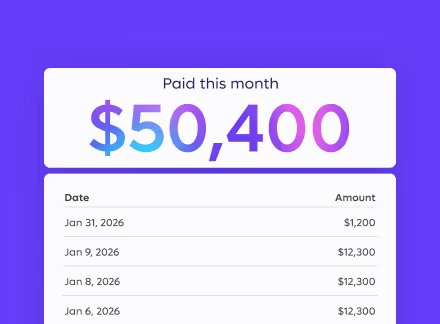
Passing credit card processing fees to clients or use free ACH transfers to protect your margins.
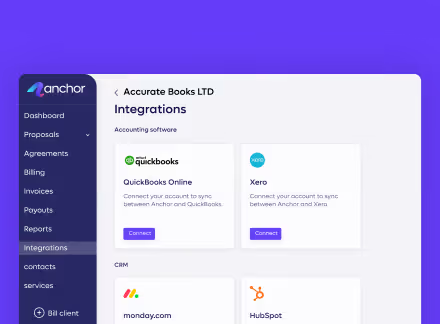
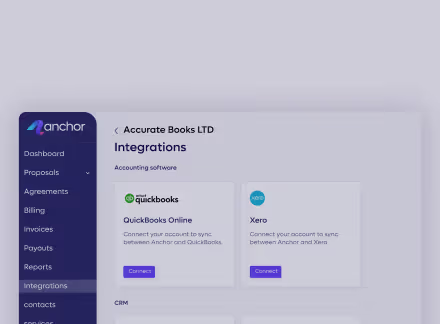
Push successful charges straight to your accounting software, preventing dual data entry.
Auto-charge and route client funds directly to your bank account,
erasing manual billing while securing on-time payments.
Auto-charge pre-approved cards or ACH accounts on exact due dates to never miss a billing cycle.
Learn more →.avif)
Process direct bank transfers for exactly $0 to maximize retained revenue on every client transaction.
Learn more →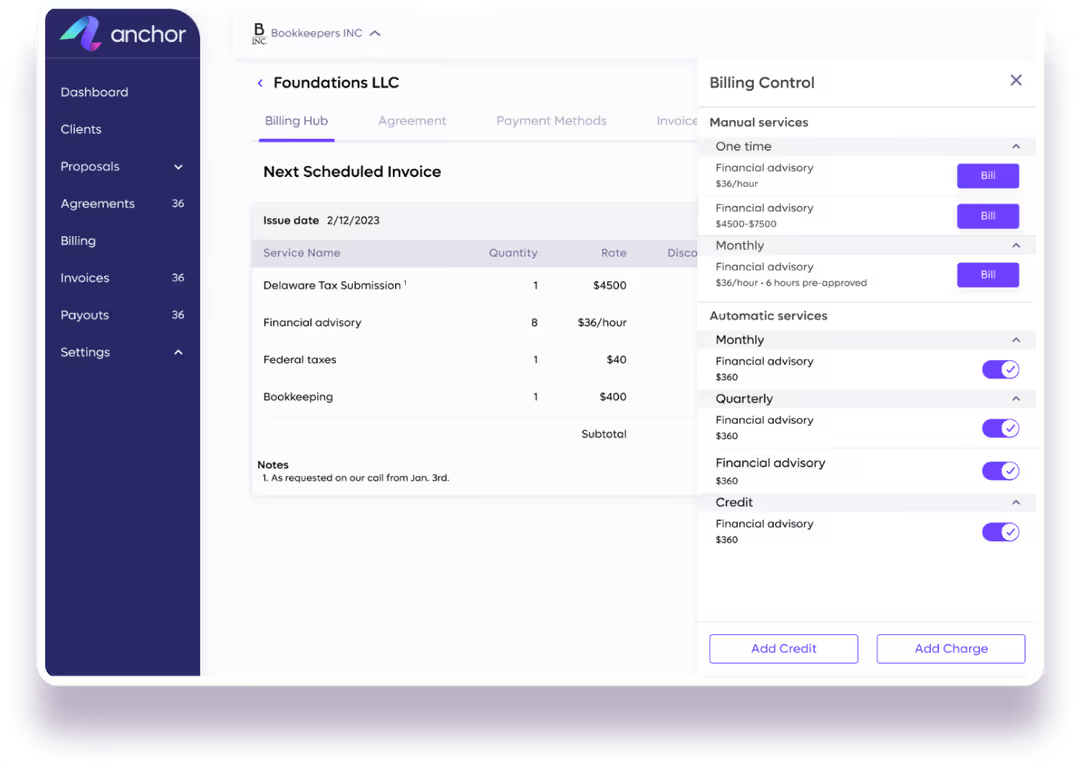
Shift processing fees to clients automatically or absorb them internally to protect key account relationships.
Learn more →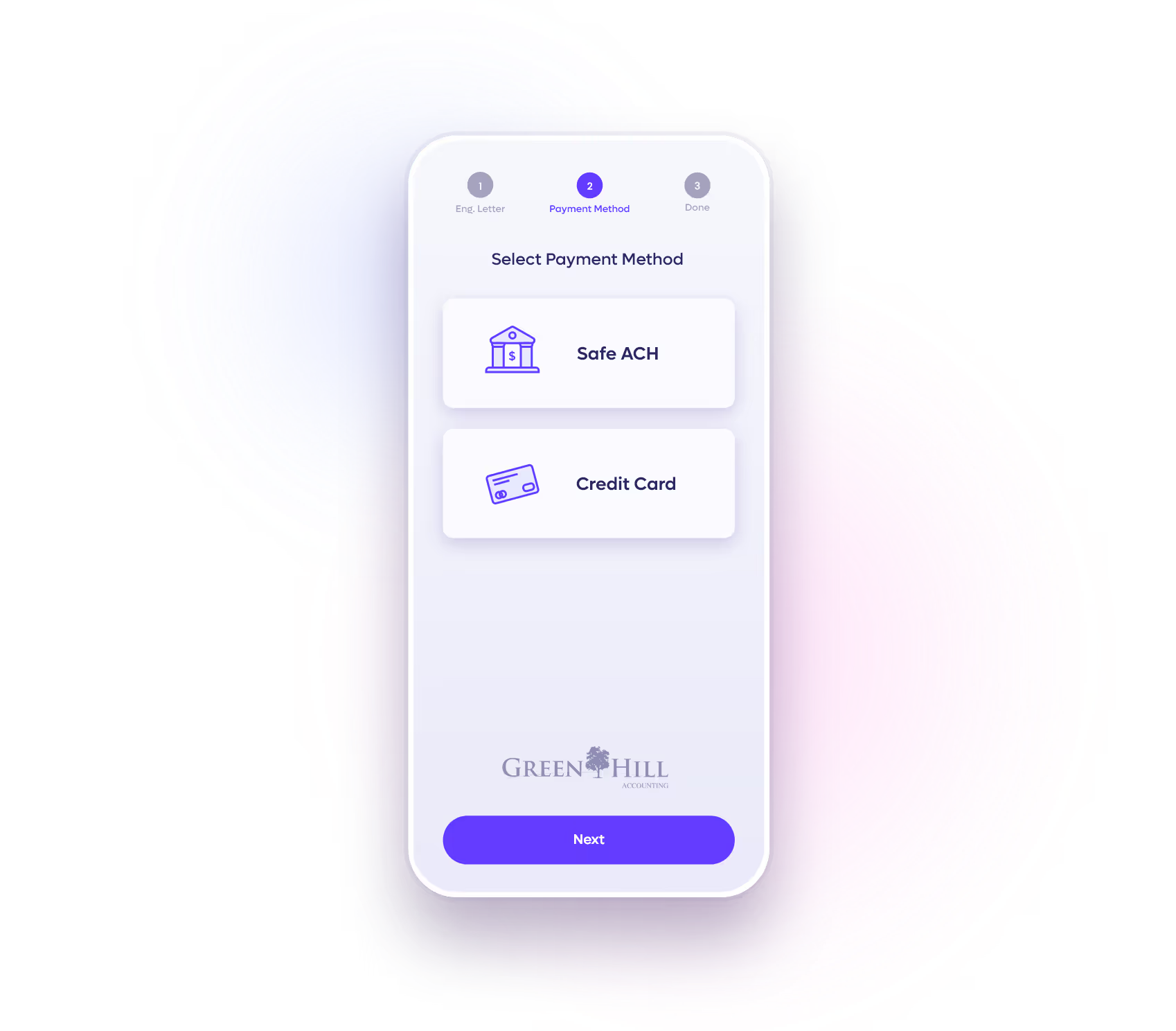
Alert clients instantly about failed transactions, pausing the charge until they securely update their details.
Learn more →
Push successful payment data to your accounting software in real-time, eliminating dual data entry.
.avif)
Automatically notify clients of issued, paid, outstanding, or failed invoices, without manual follow-up.
Learn more →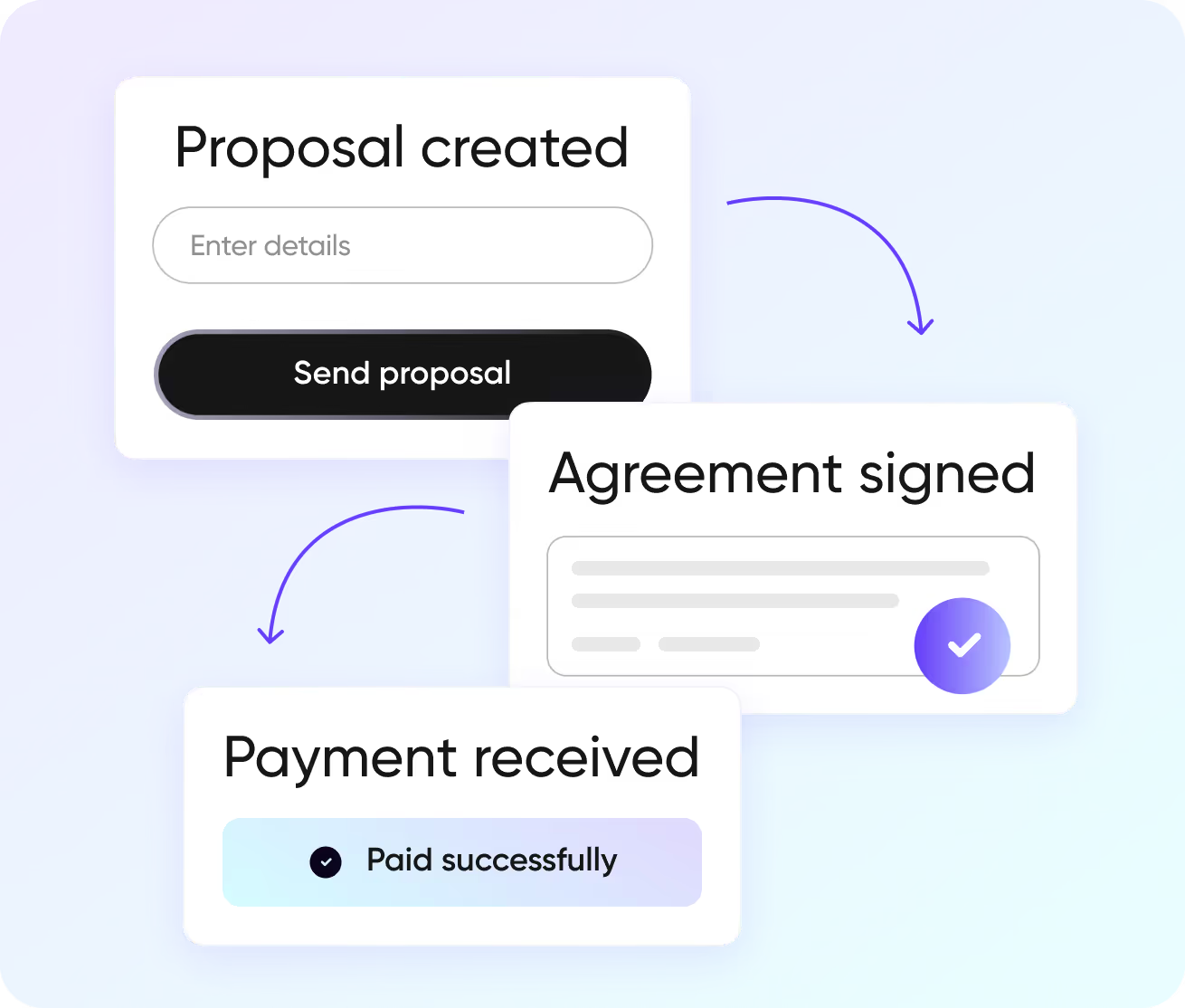
Never chase an unpaid invoice again by auto-charging due dates,
assigning card fees upfront, and syncing transactions with zero manual follow-ups.
Stop manually chasing clients during tax season and automatically collect variable hourly fees for any cleanup or ad-hoc work.
Secure upfront deposits, auto-charge approved scope expansions, and collect variable milestone payments with zero client friction.
Maintain full transparency over active agreements, prevent scope creep, and eliminate revenue leakage across every contracted term.
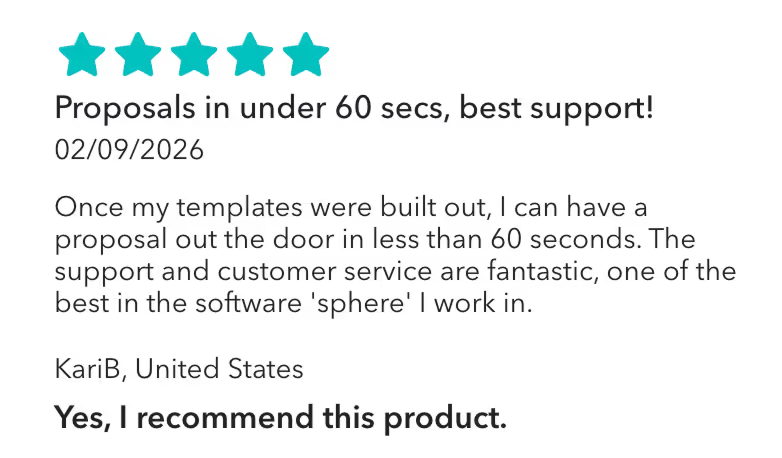
“Once my templates were built out, I can have a proposal out the door in less than 60 seconds. The support and customer service are fantastic, one of the best in the software 'sphere' I work in.”
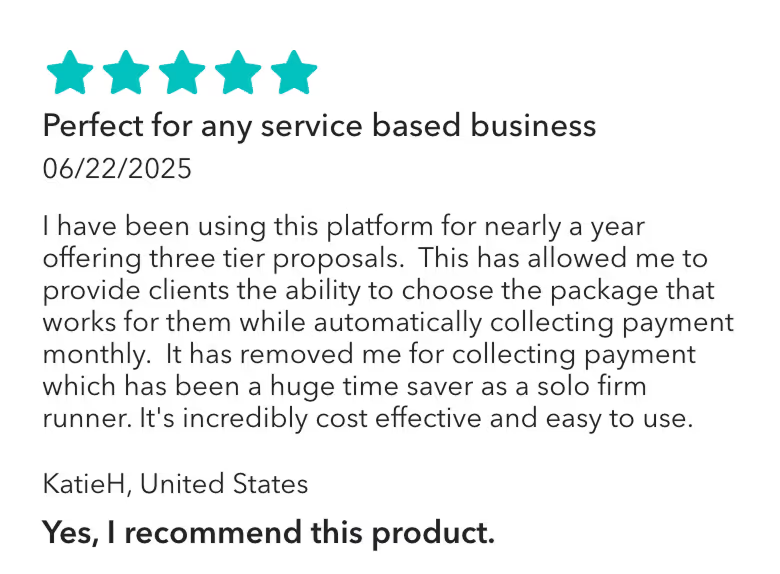
Anchor has allowed me to provide clients the ability to choose the package that works for them while automatically collecting payment monthly. It has removed me for collecting payment which has been a huge time saver as a solo firm runner."
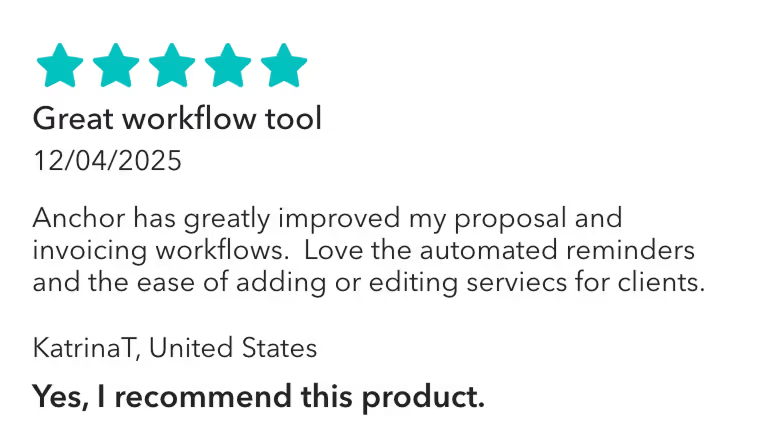
Anchor has been awesome since we've started using it! I like that you can build out your templates, and send very professional and customizable proposals to clients. I've gotten great feedback from clients overall, and I like the different features Anchor has to offer. It's also very inexpensive and offers tremendous value.
Integrations
Connect to the tools your firm already runs on, so your books and your tech stack move together, in real time.
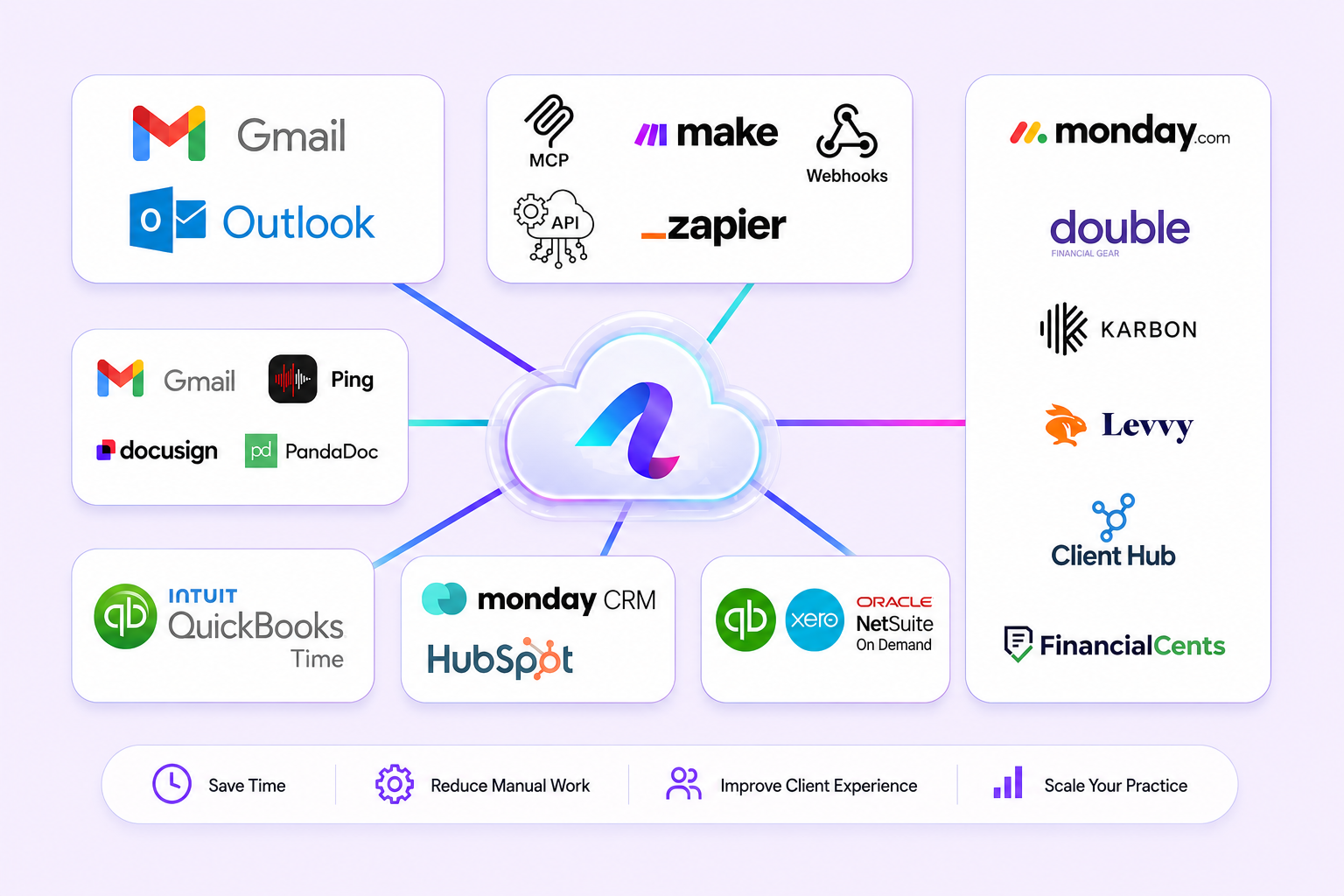
Stay accurate and up-to-date at all times with an automatic real-time data sync with QuickBooks Online.
Connect QuickBooks →Stay fully synced with our Xero native integration, every invoice, payment, and reconciliation flows back to your ledger automatically.
Connect Xero →Connect Anchor with thousands of popular apps and automate your billing workflows without writing a single line of code.
Explore Make scenarios →Connect Anchor with thousands of popular apps, so you can automate your work and have more time for what matters most.
Browse Zaps →Works with QuickBooks, Xero, Zapier, Make, and more.

Based on 120+ reviews

Based on 30+ reviews
Switch to automated billing to secure revenue upfront, eliminate manual collections, and guarantee predictable cash flow.

The system automatically charges the client's saved payment method for services that fall within your approved billing cap. If you adjust the scope, hourly limits, or payment terms, the platform automatically pauses the charge and emails the client for approval before processing the payment.
Yes. The platform automatically sends reminders to clients for any pending or failed payments.
Yes, as long as you make the change before the scheduled due date. You can easily pause billing or adjust the invoice date directly from your dashboard to securely delay the auto-charge without disrupting the active client agreement.
Yes. You can instantly issue full or partial refunds back to the client's original payment method right from your dashboard. The system also lets you hold approved credit balances and apply them automatically to future scheduled invoices.
Yes. The system automatically pushes every successfully processed charge directly to your general ledger in real-time, eliminating dual data entry and enabling hands-off reconciliation for platforms like QuickBooks Online and Xero.
Yes. The platform uses advanced tokenization to swap sensitive credit card details for secure tokens. This ensures raw financial data is never stored directly on the servers while keeping scheduled auto-charges completely safe.
Yes, but you must adjust your billing settings first to issue a new invoice. The system auto-charges the exact scheduled amount, so you simply break the total into separate milestones that will then process automatically on their new dates.
Yes, but the current agreement must be paused and reissued to specify the new payment method. Once the client accepts the updated terms, the system automatically resumes processing charges via the ACH account.
Yes. During your initial Know Your Business (KYB) account setup, you enter your bank details to designate where funds should go. Once verified, all collected ACH and credit card payments are automatically transferred directly into your designated accounts.
The platform currently only supports US-based payment processing. Both you and your clients must utilize US-issued credit cards or domestic ACH accounts to successfully process transactions and route funds.