


A professional services billing workflow is the structured system that manages how a service-based firm gets paid, from proposal generation to final payment reconciliation. For modern firms, an effective workflow must support both recurring monthly retainers and project-based milestone billing. Implementing a structured automated billing and collections process eliminates manual administrative tasks, ensures accurate tracking of out-of-scope work, and secures payment details when the client signs the initial agreement. Transitioning to this modern framework protects your firm from revenue leakage, shortens proposal-to-signing times to under 24 hours, and keeps cash flow predictable without the need for manual payment reminders.
What is a professional services billing workflow?
A professional services billing workflow is the complete lifecycle of getting paid for your firm's work. It starts when a client accepts your proposal and runs through service delivery, invoice generation, payment collection, and reconciliation. An optimized workflow automates these stages so your firm gets paid on time without manual follow-up.
A professional services billing workflow is the complete lifecycle of getting paid for your firm's work. It starts the moment a potential client says yes to your proposal and runs through every step until that payment lands in your account and is reconciled in your books.
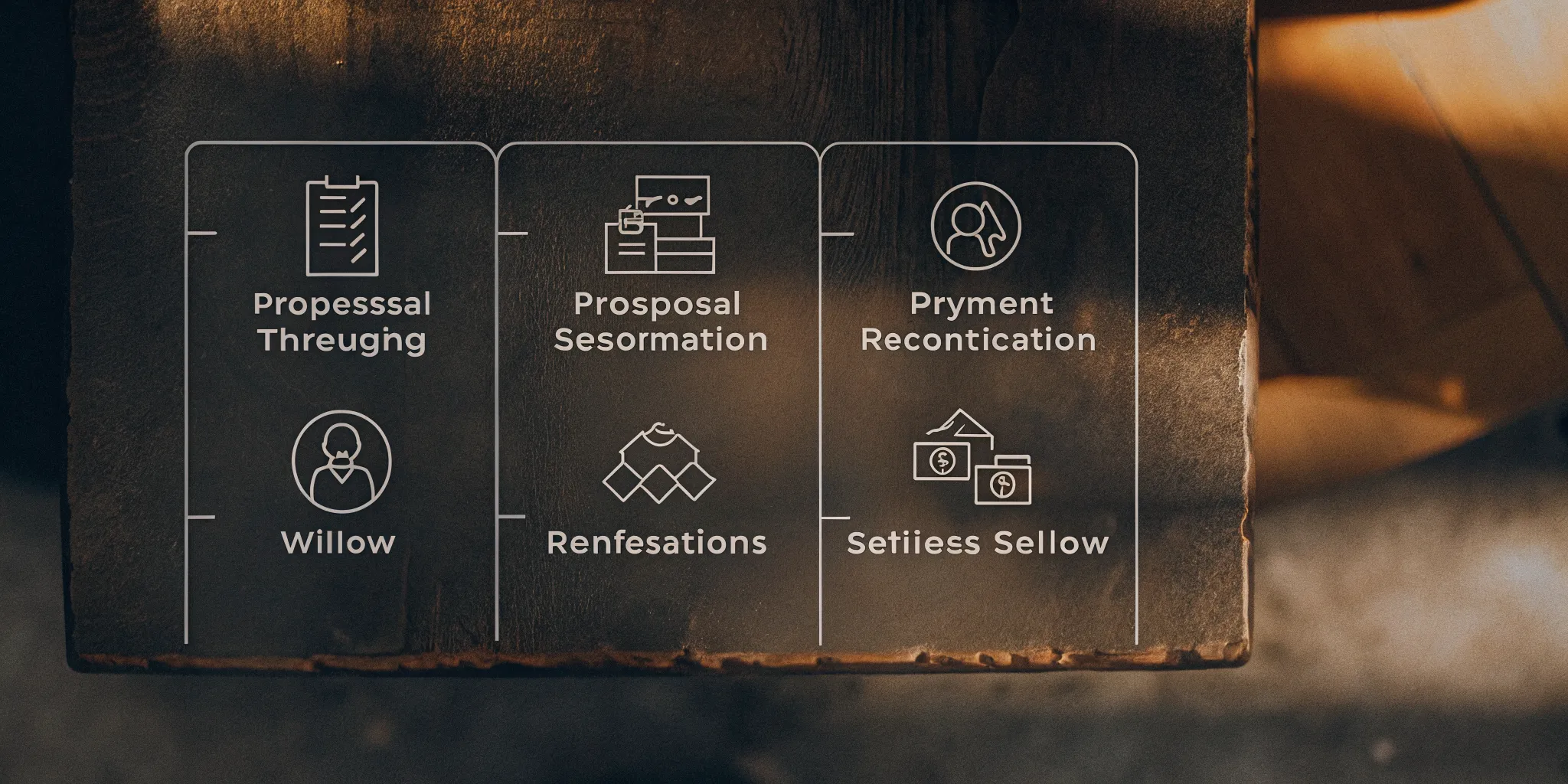
For accounting, bookkeeping, tax, and consulting firms, this workflow typically spans six stages:
- Proposal and engagement letter: You define the scope of work, timeline, and pricing. The client reviews and accepts the terms.
- Client agreement and payment authorization: The client signs the engagement letter. In a modern workflow, this is also when they connect a payment method, locking in the ability to collect automatically.
- Service delivery and time tracking: Your team performs the work. Billable hours or milestone progress are tracked against the agreement.
- Invoice generation: An invoice is created based on the agreement terms, either on a recurring schedule (monthly retainer) or upon milestone completion (project-based work).
- Payment collection: The client pays. In an autonomous system, this happens automatically via pre-authorized ACH or credit card on the due date without any manual follow-up.
- Reconciliation: The payment is recorded in your accounting software, matched to the invoice, and your books are updated.
Why the workflow matters for mixed-service firms
Most professional services firms don't have the luxury of a single billing model. You may have a client on a monthly billing management system retainer for bookkeeping, another on a fixed-fee project for tax preparation, and a third on a time-and-materials consulting engagement. Each model has different billing triggers, different invoice frequencies, and different collection timing.
When these workflows are managed manually, your team is constantly switching between spreadsheets, email reminders, and disconnected tools. The result is predictable: missed billing cycles, late payments, and revenue leakage that most firms never fully measure.
An optimized automated billing and collections process eliminates these delays by connecting every stage into a single autonomous flow. The proposal creates the agreement, the agreement triggers the invoice, and the invoice triggers the payment. No manual handoffs. No billing gaps. No cash flow surprises.
Common billing models for professional services firms
Professional services firms typically choose between hourly billing, fixed fees, retainer agreements, value-based pricing, or a hybrid approach. Each model affects cash flow predictability, administrative burden, and client transparency differently. The right choice depends on your firm's service mix and client base.
Choosing the right way to charge clients is a big choice. Your pricing shapes your firm's cash flow, daily workload, and client relationships. Many firms struggle to pick between simple rates and fixed pricing. However, a modern automated billing and payments system makes it easy to use any model. You can mix recurring and project-based fees without adding to your admin team's plate.
Hourly billing and fixed fee options
Hourly billing is the oldest model in professional services. You charge for the exact time you spend on client work. This model protects you from scope creep, but it makes client costs hard to predict. On the other hand, fixed or flat fee options provide total cost clarity. Clients pay one set price for a specific service or project. Manual fixed billing can lead to unpaid bills if you do not collect payments up front.
Retainer and value-based pricing
Retainers offer stable, recurring monthly cash flow. Clients pay a set fee each month to keep your firm on standby or to cover ongoing services. Value-based pricing is different. It links your fee directly to the financial impact or value you deliver to the client. This model can lead to high profit margins, but it takes time to define the value. No matter which option you choose, the pricing model is only one piece of the puzzle. The workflow you use to collect those fees is what keeps your business healthy.
A quick comparison of billing models
To help you find the best fit, here is how the top models compare across five key areas:
| Billing Model | Predictability | Cash Flow Impact | Admin Burden | Client Transparency | Best Use Case |
|---|---|---|---|---|---|
| Hourly Billing | Low | Lagging | High | Low | Ad-hoc advice, custom projects |
| Fixed/Flat Fee | Medium | Steady | Medium | High | Tax prep, packaged services |
| Retainer-Based | High | Predictable | Low | Medium | Ongoing monthly bookkeeping |
| Value-Based | Low | Variable | High | Medium | CFO advisory, strategic consulting |
| Hybrid Model | Medium | Steady | High | Medium | Firms with recurring and project work |
Why your billing workflow matters more than your pricing
Too many firms spend weeks debating their rates instead of fixing their collections process. If you process 10 to 50 monthly payments, manual billing wastes valuable time. A broken workflow leads to lost cash and late client payments. Modern firms use a complete automated billing and collections process to solve this issue. Instead of chasing clients for money, you can secure pre-authorized payments at the proposal stage. This ensures you get paid on time, every single time, no matter which billing model you choose.
Why traditional billing workflows fall short
Traditional billing workflows cost professional services firms significant time and money through manual tracking, slow payment cycles, and revenue leakage. Firms using manual processes often lose five to fifteen percent of billable revenue and wait thirty to sixty days for payment. Autonomous billing platforms solve these problems by automating the full collection cycle.
Managing billing by hand costs professional services firms time and money. For most firms, the manual billing process is broken. It depends on too many steps, tools, and follow-ups. When your team spends hours on spreadsheets and draft reviews, client work falls behind. These slow cycles hurt cash flow and hold back growth.
The high cost of manual tracking
Firms that rely on manual billing lose an estimated five to fifteen percent of their total billable revenue to leakage. This happens when unbilled hours slip through the cracks during month-end close. Tracking hours by hand creates billing admin work that consumes hours every month. This heavy burden keeps you from doing high-value client work.
Slow cycles and poor cash flow
Traditional billing cycles often keep invoices unpaid for thirty to sixty days. This delay hurts your cash flow. Without immediate payments, you cannot project your firm's cash position. Traditional billing software does not solve these problems. It often requires expensive subscriptions from ninety-nine to two hundred ninety-nine dollars per month. It also takes months to implement. Growing firms cannot afford these high costs or long setup times.
Why autonomous billing is the key
Traditional software is passive and relies on you to send bills, track payments, and write reminders. An autonomous billing management system flips this model. Instead of chasing invoices and manual reviews, billing runs on autopilot. You do not have to send reminders or chase clients. Clients authorize payments upfront at the proposal stage. This single change eliminates unpaid invoices, secures your cash flow, and drops your revenue leakage from over five percent to under one percent.
How to build an optimized billing workflow for your firm
Building an optimized billing workflow requires five steps: standardize your services, require pre-authorized payment methods, automate invoice generation, deploy autonomous collection schedules, and integrate with your accounting software. Each step reduces manual effort and accelerates your payment cycles.
Managing administrative tasks manually can drain your energy and hurt your cash flow. Creating a streamlined automated billing and collections process lets your team focus on serving clients instead of chasing invoices. You can modernize your operations, reduce administrative burden, and ensure you get paid on time by following five practical steps.

1. Standardize your services and pricing
An optimized professional services billing workflow begins with clarity. When services are vague, billing becomes a manual guessing game at the end of every month. Standardize your offerings by creating clear service packages with fixed prices or defined hourly rates. This upfront structure makes it easy to generate agreements and set clear client expectations from day one.
2. Require pre-authorized payment methods up front
The most critical step in an optimized workflow is securing payment authorization during the onboarding stage. Traditional billing methods rely on sending an invoice and waiting weeks for a bank transfer. By using digital proposals that require clients to connect a credit card or bank account before signing, you eliminate the need for future collections. This simple change can reduce proposal signing times from weeks to less than 24 hours.
3. Automate your invoice generation
Once a client signs an agreement, your system should take over. Manual data entry is slow and often leads to errors. An automated automated billing and payments system creates invoices directly from your active contracts on a set schedule. This hands-off approach ensures that invoices are accurate, professional, and sent out without any manual effort from your staff.
4. Deploy autonomous collection schedules
An optimized billing system handles payments autonomously. Traditional billing cycles often delay collections until the end of each month after services are completed. Autonomous collections solve this delay by charging the client's connected payment method exactly when the invoice is due. The system secures your cash flow automatically without requiring manual payment reminders.
5. Integrate with your accounting software
The final step in a modern billing cycle is automatic reconciliation. Your billing platform must sync directly with your ledger. Connecting your billing system to tools like QuickBooks or Xero ensures that every payment is recorded instantly. This connection eliminates double-entry, keeps your books up to date, and simplifies your monthly financial reporting.
Transitioning to an automated system is simpler than it sounds. Many firms worry that updating their infrastructure will take months of planning and complex software configuration. In reality, modern platforms like Anchor allow you to set up and launch a complete billing management system in a single afternoon.
How Anchor transforms your billing workflow
Anchor provides an autonomous billing and collections platform that eliminates manual work without ongoing platform fees. With a zero-dollar monthly subscription model, same-day setup, and pre-authorized payment capture at the proposal stage. Anchor helps professional services firms reduce billing admin time, eliminate payment chasing, and link directly with their existing accounting tools.
Managing a professional services billing workflow does not have to be a slow, manual chore. Traditional tools make you chase clients, send repeated payment reminders, and waste hours on admin work. Anchor offers a different way by acting as a complete, autonomous platform that handles your billing from proposal to payment. By choosing a system built for speed and ease, you can focus on growing your firm instead of chasing unpaid invoices.
A simple pricing model with zero monthly fees
Most billing platforms charge high flat rates every month, even if your client load changes. Traditional software can cost between $99 and $299 each month. This is a heavy burden for growing firms. Anchor changes this with a clear pricing model that features a $0 monthly subscription fee. You only pay $5 for each successful payment. This means you do not pay a cent until you get paid, making it a risk-free choice for small teams.
Same-day setup versus months of waiting
Setting up new software often feels like a project that will never end. Some competitors take up to three months to implement and train your team. With Anchor, you can start running your automated billing and payments on the very same day. The setup is fast and simple, allowing you to connect your systems in an afternoon. This rapid launch saves you time and lets you improve your cash flow without the long wait.
Capture payments early and stop chasing clients
Chasing clients for money is one of the worst parts of running a business. Anchor solves this by capturing pre-authorized payment details at the proposal stage. When a client signs your agreement, their bank or card details are locked in. This setup allows the system to charge them automatically on the due date without any manual work. There is no need for client action or reminders. You get paid on time, every time, while keeping your relationships smooth and professional.
Save hours of admin work and connect your favorite tools
Manual data entry often leads to costly mistakes and lost revenue. Anchor automates these steps to deliver a 90% reduction in billing admin time. Clients can pay through a free ACH option with a three-day transfer, or by credit card with a 2.9% plus $0.30 fee. Best of all, Anchor links directly with the software you already use, including QuickBooks, Xero, Karbon, Keeper, Client Hub, Financial Cents, and monday.com.
Sign up for free and start streamlining your billing today.
What about project-based billing versus recurring billing?
Modern professional services firms need to handle both project-based milestone billing and recurring retainer billing within a single platform. Anchor supports both models through milestone-based invoicing for deliverables and automated recurring schedules for retainers, with dynamic amendments that adapt to scope changes without starting new agreements.
Many professional services firms struggle to balance different types of work. You might have some clients who pay a flat monthly fee for ongoing bookkeeping. At the same time, you may take on one-time tax plans or consulting jobs. Managing a mixed client portfolio requires a flexible billing management system that can handle both models without creating extra admin work.
The split between project and recurring work
Project-based billing relies on one-time payments or milestone invoices tied to specific deliverables. For instance, you might bill a client after you complete their annual tax prep. These payments depend on your progress. On the other side, recurring billing runs on a set schedule. This model works best for ongoing retainers where you charge a client monthly or quarterly for regular services. Most growing firms need both options to serve all their clients well.
How Anchor solves the mixed-portfolio problem
You do not have to use different tools for different contracts. Anchor helps you manage your entire automated billing and collections process from one simple dashboard. For project work, you can set up milestone billing that triggers invoices only when you reach specific goals. For ongoing retainers, you can set automated recurring schedules that run on their own. This gives you complete control over your cash flow, regardless of how your clients prefer to pay.
Dynamic agreements that adapt to real life
Scope creep is a common issue in professional services. A client might ask for extra work that was not in your first agreement. With Anchor, you can make quick amendments to live contracts without starting over. Whether you need to add a one-off charge or change a monthly retainer, the platform updates the agreement instantly. Best of all, clients connect their payment method upfront. This rule applies to both one-off projects and recurring retainers. Because their payment info is already secure in the system, you get paid on time without sending manual follow-ups.
Frequently Asked Questions
How does a professional services billing workflow handle both flat fees and hourly work?
An integrated billing platform lets you combine different pricing models on a single agreement. You can set up flat fees for monthly recurring work and define hourly rates for out-of-scope tasks on the same agreement. The system tracks both models and charges the client according to your specified terms without manual intervention.
Can you automate project-based billing with milestone payments?
Yes, milestone billing can be automated by tying invoices to project deliverables. You establish clear stages or dates in your initial proposal. When a milestone is reached, the system automatically bills the client and initiates payment collection. This reduces administrative delay and keeps cash flow predictable as your projects progress.
How does automated billing protect firms from unpaid invoices?
Automated platforms secure pre-authorized payment methods, like credit cards or ACH, during the proposal signing process. By securing this authorization up front, the system can autonomously charge the client on the scheduled bill date. This method eliminates the need to send payment reminders and ensures your firm gets paid on time, every time.
What is the typical setup time for a professional services billing workflow?
While traditional billing software can take up to three months to set up. Modern platforms like Anchor and its automated billing and payments system can be configured in an afternoon. You simply connect your bank account, set your standard service pricing, and integrate with existing accounting tools like QuickBooks or Xero to begin sending agreements immediately.
Ready to optimize your billing workflow?
Running a professional services firm without a clear billing system drains your time and costs you money. Every hour spent tracking down late payments or building manual invoices keeps you from doing your real client work. Setting up a new system does not have to take months or break your budget.
Sign up for free at app.sayanchor.com/signup to simplify your billing and collections process today. Anchor handles everything from proposal to payment, so you can focus on growing your firm.