
Get started for free

 CRM
CRMYou can use Zapier to connect Anchor with Zoho CRM so that new leads or contacts in Zoho automatically become matching contacts in Anchor, keeping both systems in sync.
When a client signs and pays in Anchor, the matching Zoho CRM deal moves forward on its own, so your forecast reflects revenue that is actually committed.
The work you already do, with the busywork removed.
Signatures push deals forward so your pipeline stays accurate.
Contacts and companies stay matched across Zoho CRM and Anchor.
Revenue reflects signed, paying clients, not hopeful guesses.
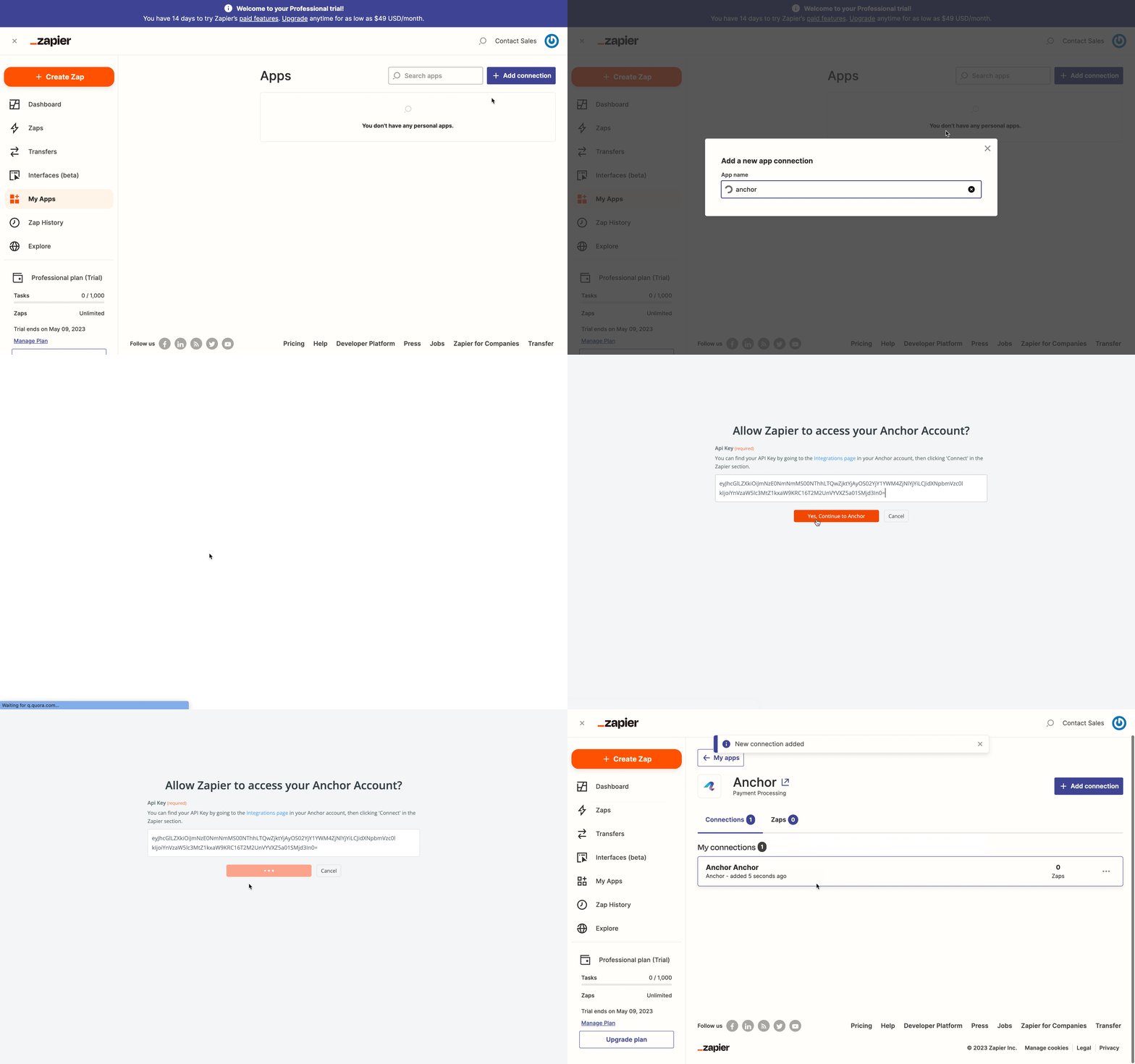
Connect through Zapier and use a template to get running in minutes.
"They connect to just about everything. It just saves so much time across all my companies."
The matching deal advances to closed-won, the deal value updates, and payment status records, so your pipeline reflects committed revenue.
Yes. Anchor clients map to HubSpot contacts and companies in both directions, so the same record stays linked.
You choose which pipeline and stage a signed proposal moves the deal to, so it fits the way your team sells.

Update boards and pipeline as clients sign and pay.

Real-time two-way sync of invoices, payments, and customers.

Connect Anchor to thousands of apps with one click
Don't see the tool you need? Tell us and we'll look into building it.
