.avif)


What features does Anchor include?
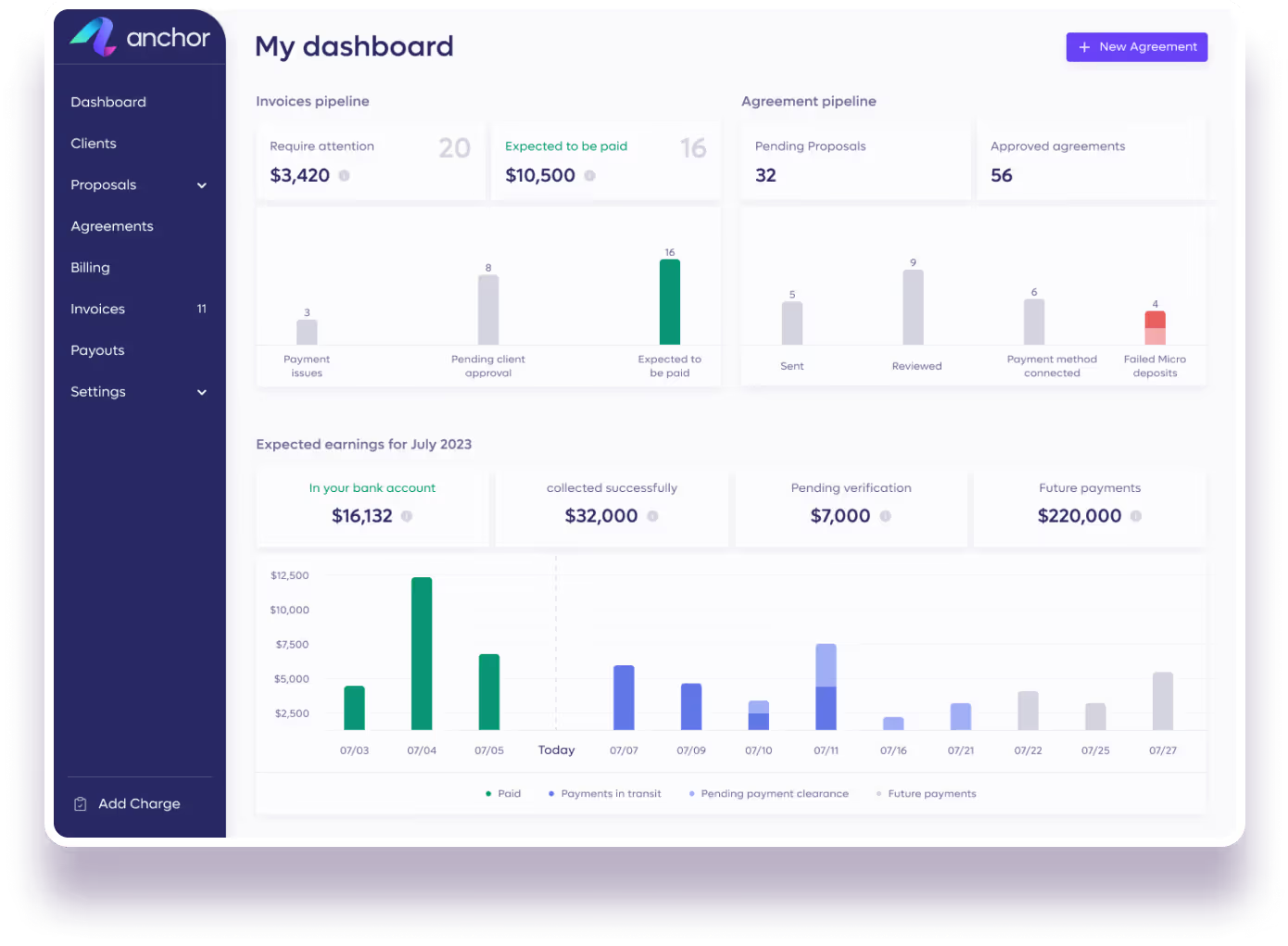
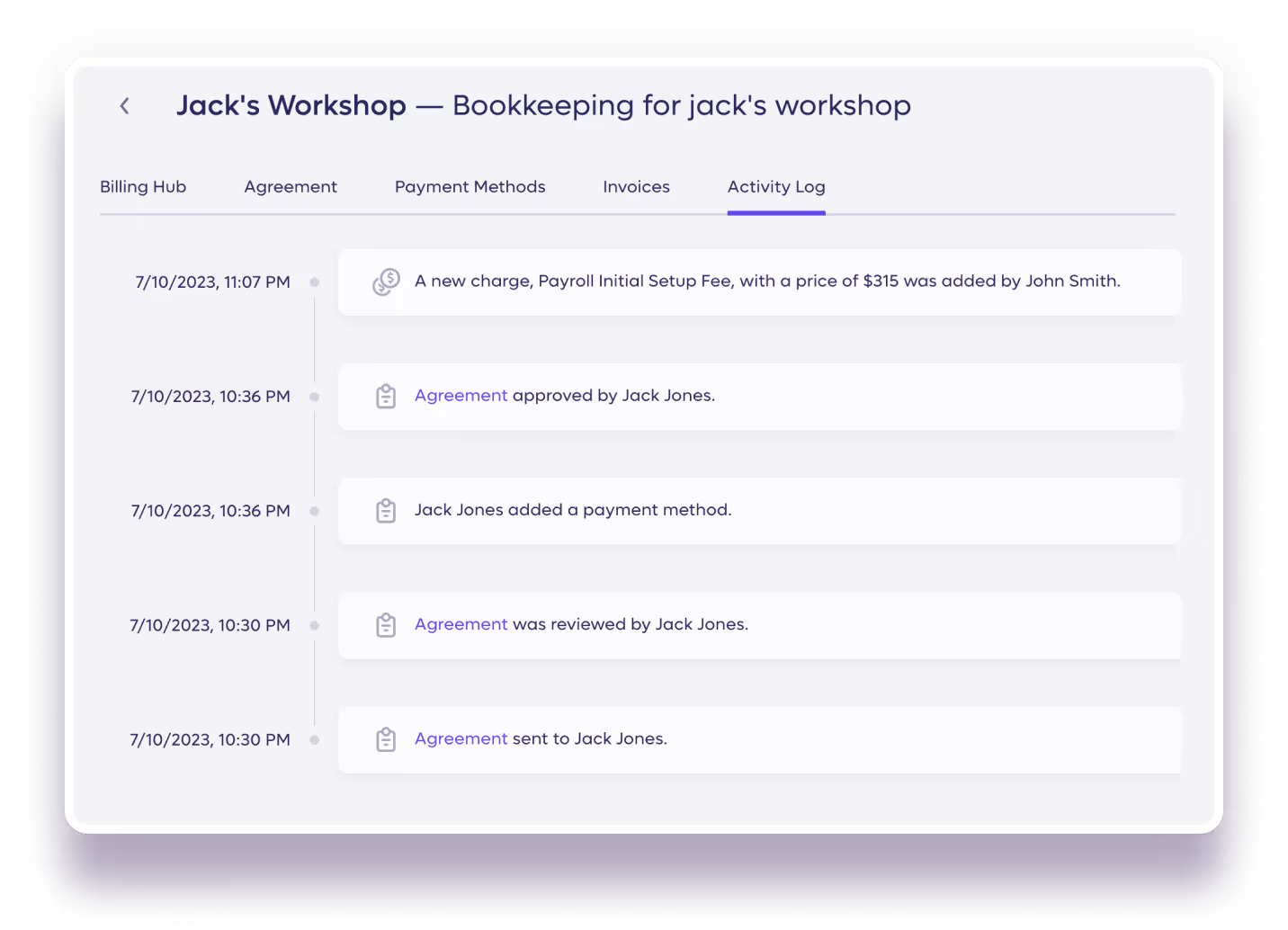
Anchor is automated billing software built for accounting, bookkeeping and professional service firms. Features include interactive proposals, dynamic agreements, automated invoicing, automatic payment collection, accounts receivable automation, team management, a business dashboard, an activity log, a client portal, QuickBooks integration, Zapier integration, and an accountant view. Every step from proposal to payment runs on one connected platform without manual effort.
Can I speak with a real human first?
How do proposals work in Anchor?
You create a proposal by selecting services from your service library, setting your terms, and sending it to your client to review and sign digitally from any device. The process is fast — proposals can be created and sent in minutes, and clients can sign without needing to print, scan, or download anything.
How secure is Anchor?
Anchor uses the highest forms of security available. All communication between your device, your servers, and Anchor is encrypted over HTTPS using up to 256-bit TLS encryption - the strength of protection you get with online banking. We never store credit card or bank account information. All of your data is stored on servers that are controlled with 24/7 monitoring and have strict physical access protocols.
How and when does Anchor charge me?
When you receive a payment, and only then, Anchor deducts $5 from the funds you receive. Anchor is completely free to use throughout the entire process, including unlimited agreements, users, clients, and invoices.Once your proposal is sent and signed, it acts as a live agreement between you and your client. Invoices, collections, payments, and reconciliation are generated from your agreement automatically – saving you time, money, and energy, eliminating manual labor and workarounds, and preventing mistakes. As your client payment information is collected when your agreement is signed, all that’s left for you to do is enjoy watching the funds transferred to your account, on time, automatically.
Is Anchor suited only for retainer based services?
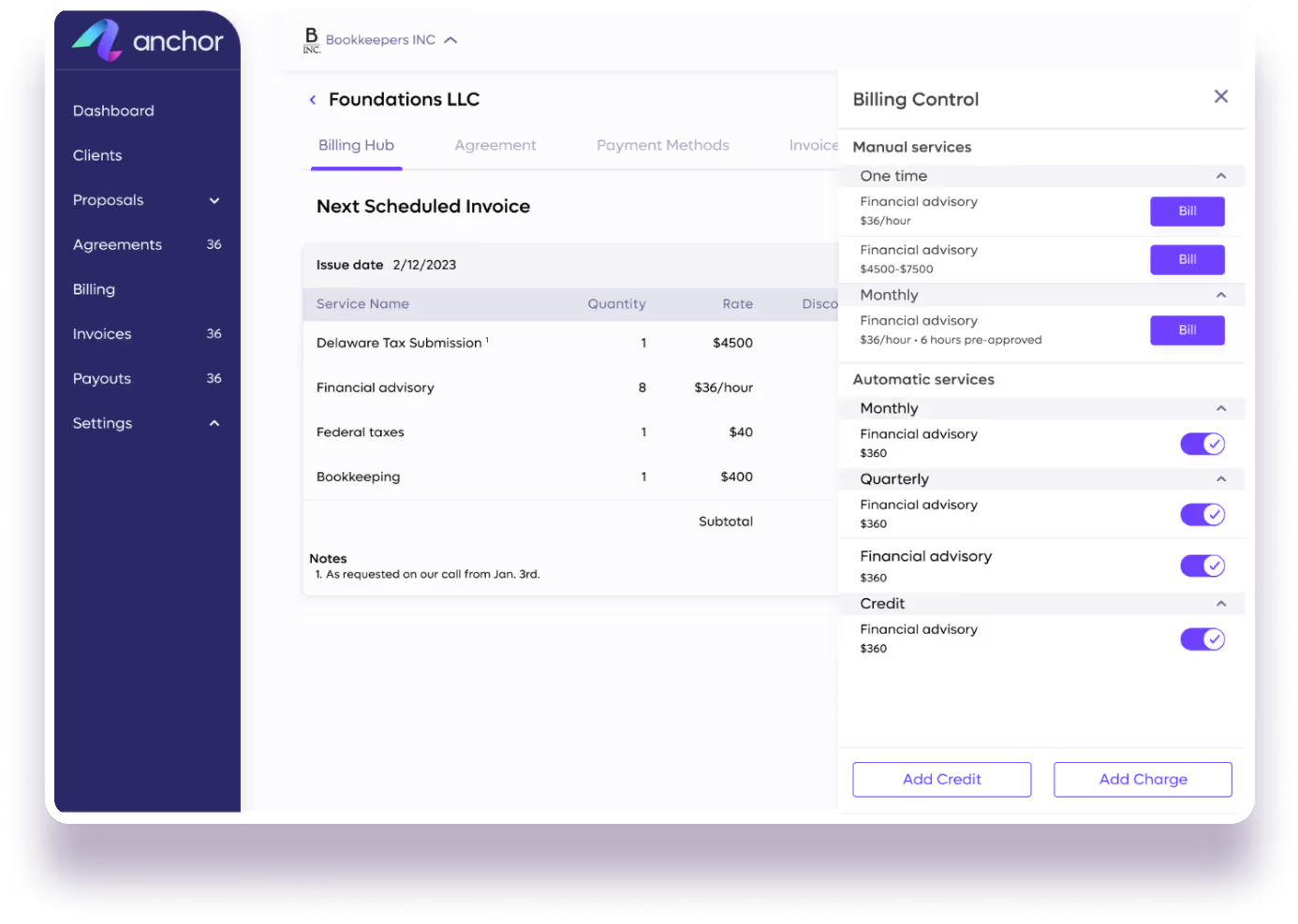
No. We developed Anchor knowing that the only constant in a business is change. You can add dynamic payment options, add new services in the middle of a billing cycle and address different billing dates, deliverable quantities and hour based caps. Anything that can be invoiced on paper, can be billed & collected with Anchor.
What is a live agreement in Anchor?
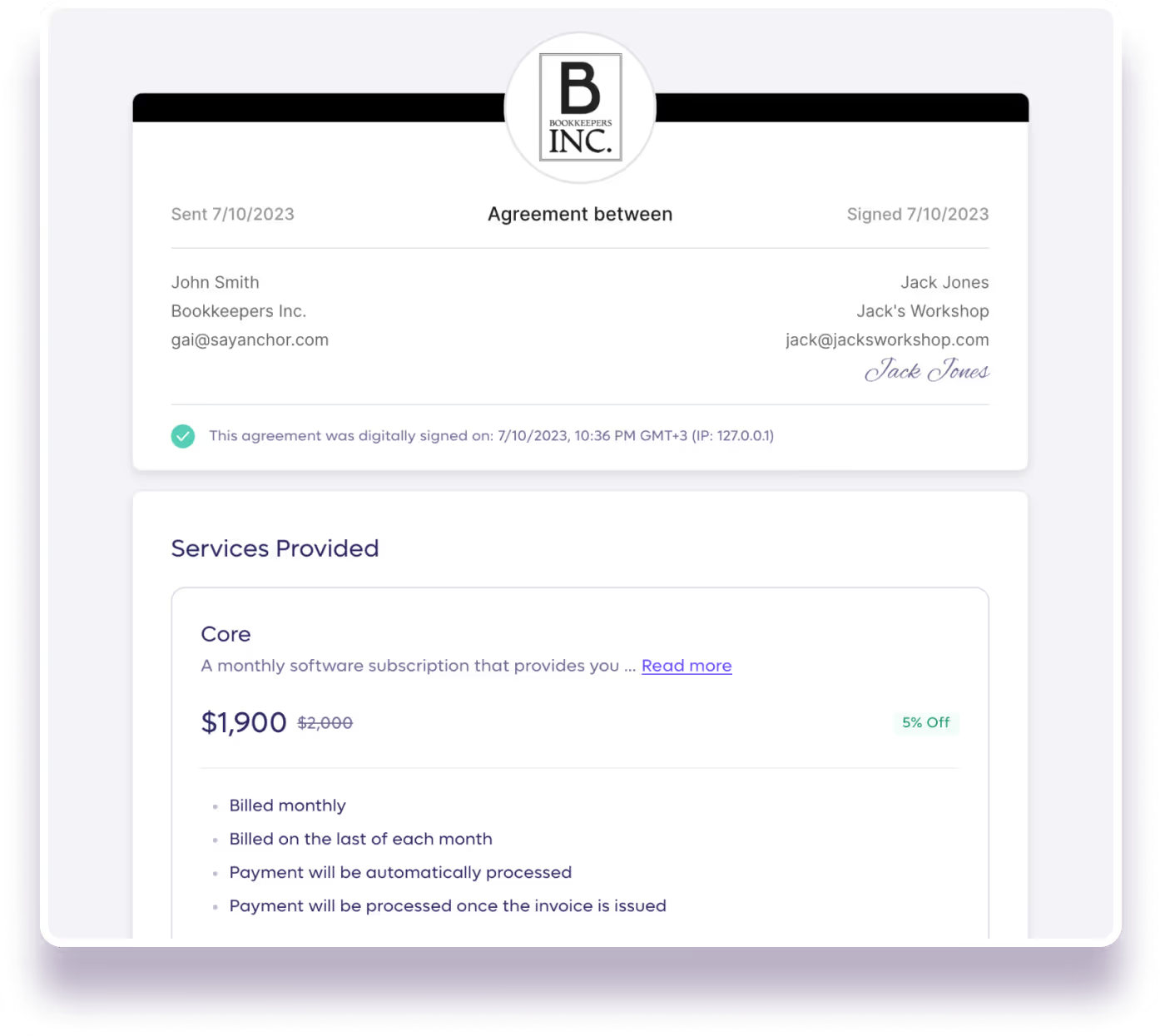
A live agreement is a dynamic digital contract built for ongoing billing, holding payment details, terms, and billing permissions in one place. Unlike static PDFs, it functions as accounting proposal software that stays active and editable as your engagement evolves. Adjust scope, pricing, or terms at any time, with a shared change log that keeps both parties aligned.
Does Anchor send payment reminders?
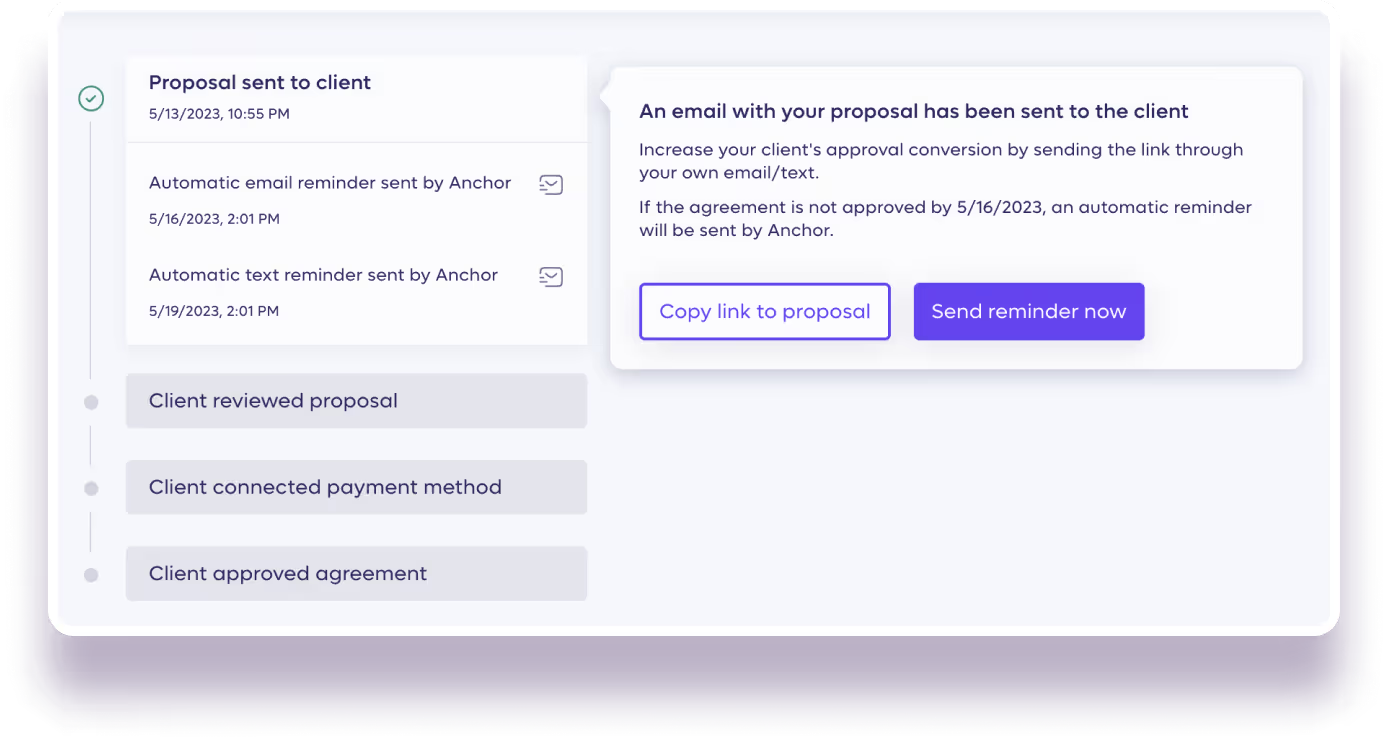
Yes. Anchor sends automated email and text message reminders to you or your clients for pending proposals, invoices, or payments. If further escalation is needed, Anchor will notify you so you can take action directly.
How does Anchor integrate with QuickBooks?
Anchor syncs your invoicing and payments data with QuickBooks Online automatically and in real time. This eliminates manual data entry, keeps your books up to date, and ensures reconciliation is accurate without any additional steps from your team.
Does Anchor integrate with other tools beyond QuickBooks?
Yes. Anchor connects with thousands of apps through its Zapier integration — no coding required. You can automate workflows across your existing tools, such as updating spreadsheets, sending emails, or syncing data with your CRM. Any app that Zapier supports can be connected to Anchor
I have existing clients on a different billing platform, can I upload them to Anchor?
Yes! Anchor makes it easy to add your existing clients to the platform with ready-made templates. Plus, our team of success managers will help you migrate your clients over to Anchor. The entire set up takes just a few minutes and your clients will be up and running before your next billing cycle